


Design by you,printed in the USA.

Reliable delivery within
5-7 business days.
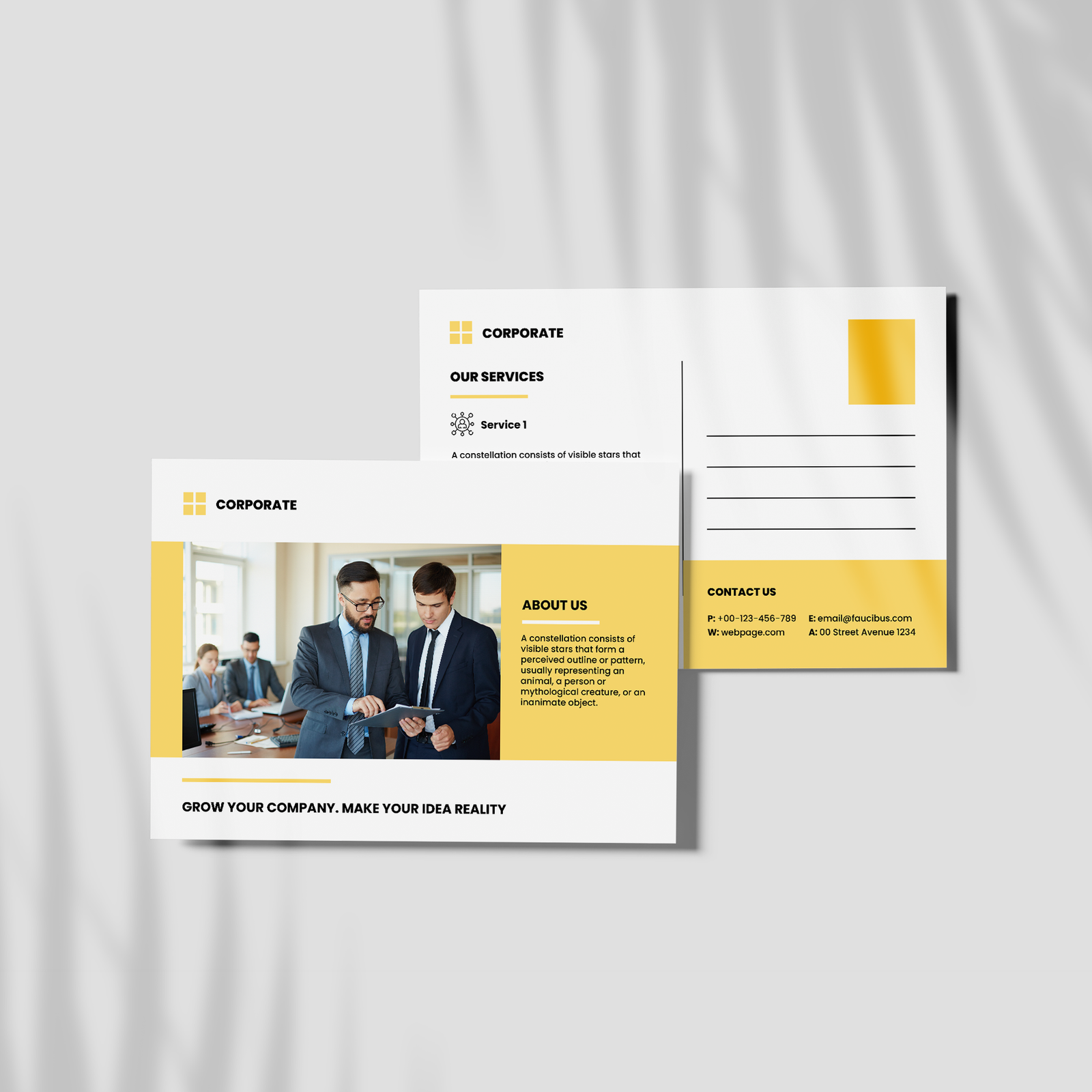
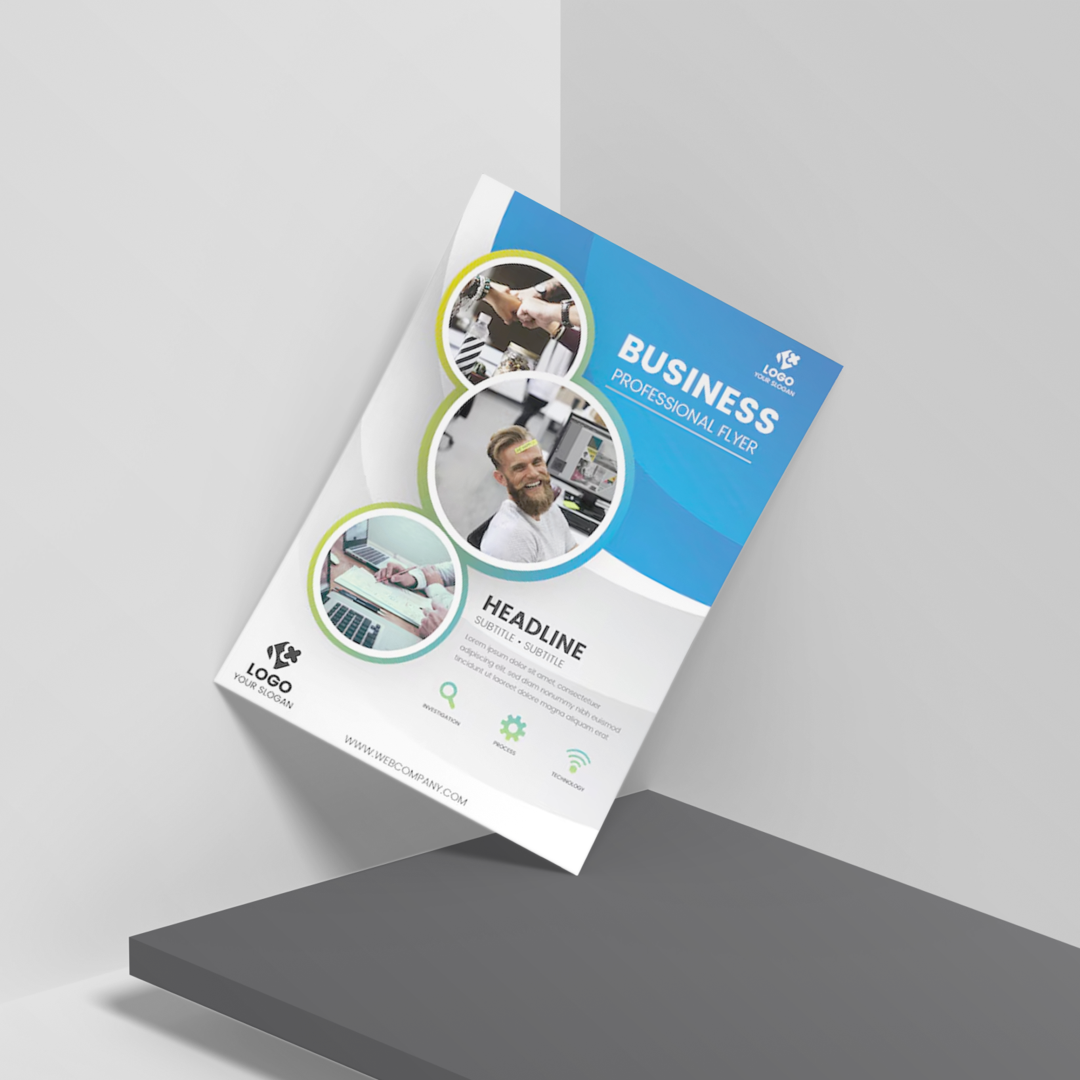
Gloss Brochures
Bi-fold & Tri-fold | Gloss & Matte options
20 brochures from $100
Gloss Brochures are designed to highlight every detail, from bold visuals to essential information, making them ideal for marketing, events, and brand storytelling.
- Standard 8.5" x 11" size, professionally folded
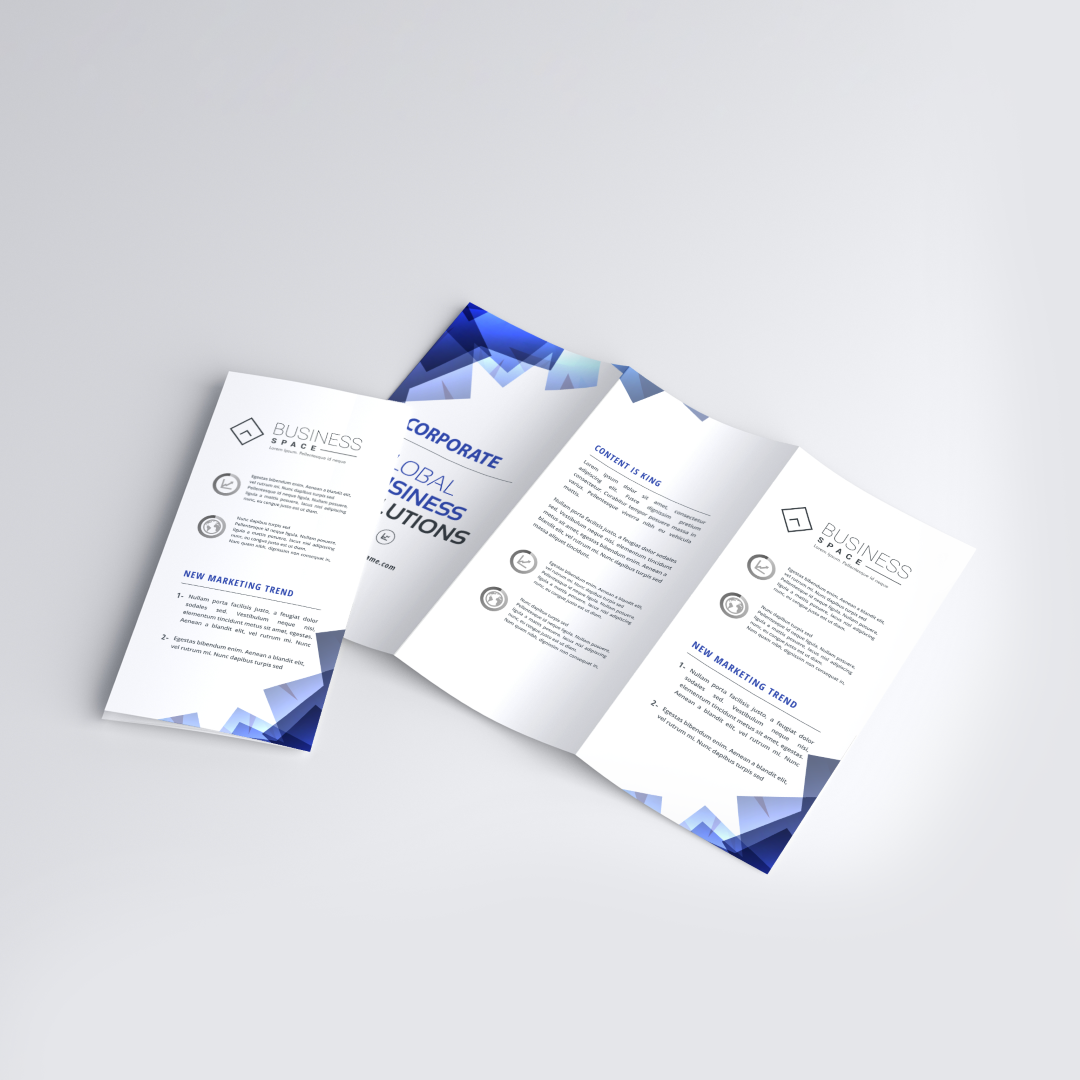
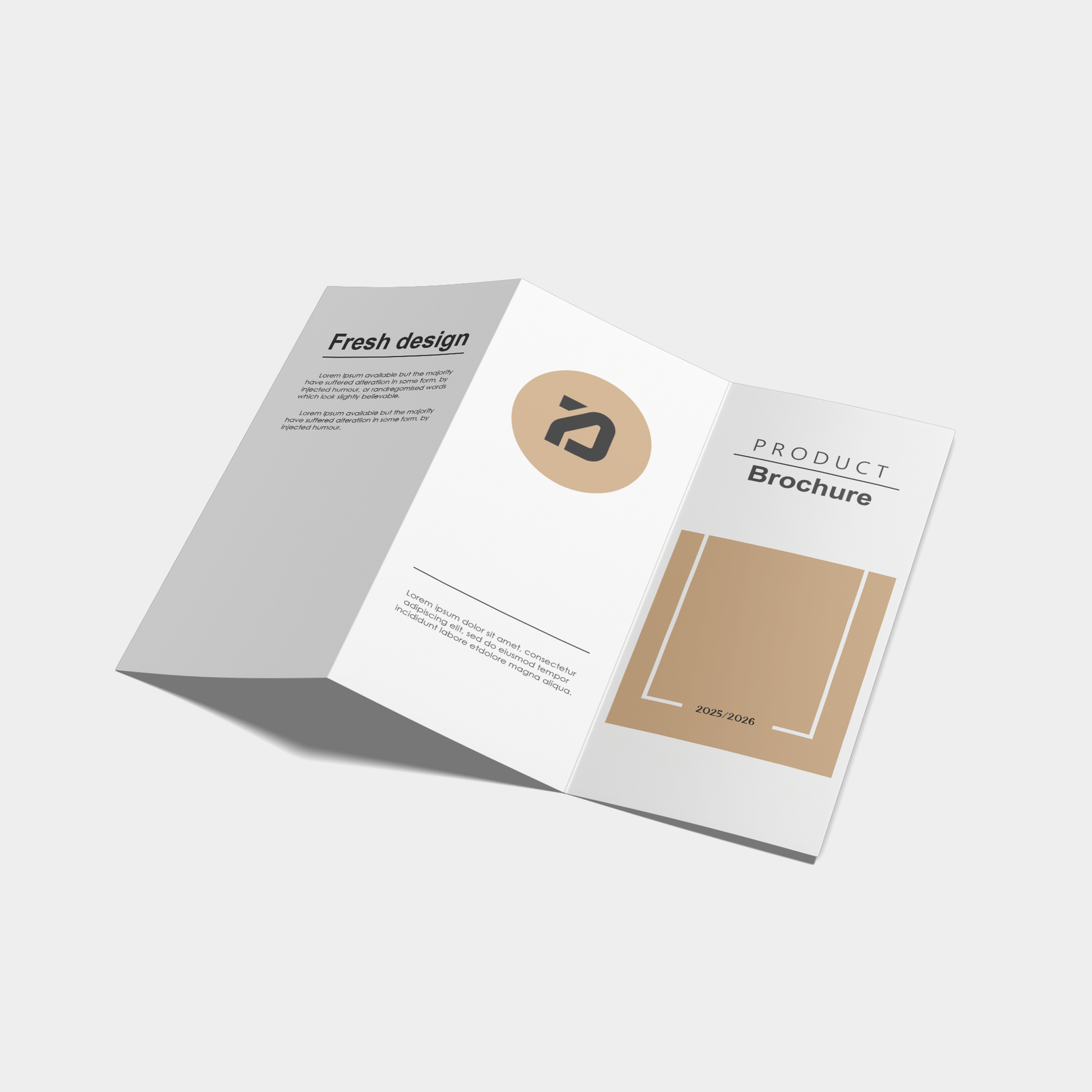
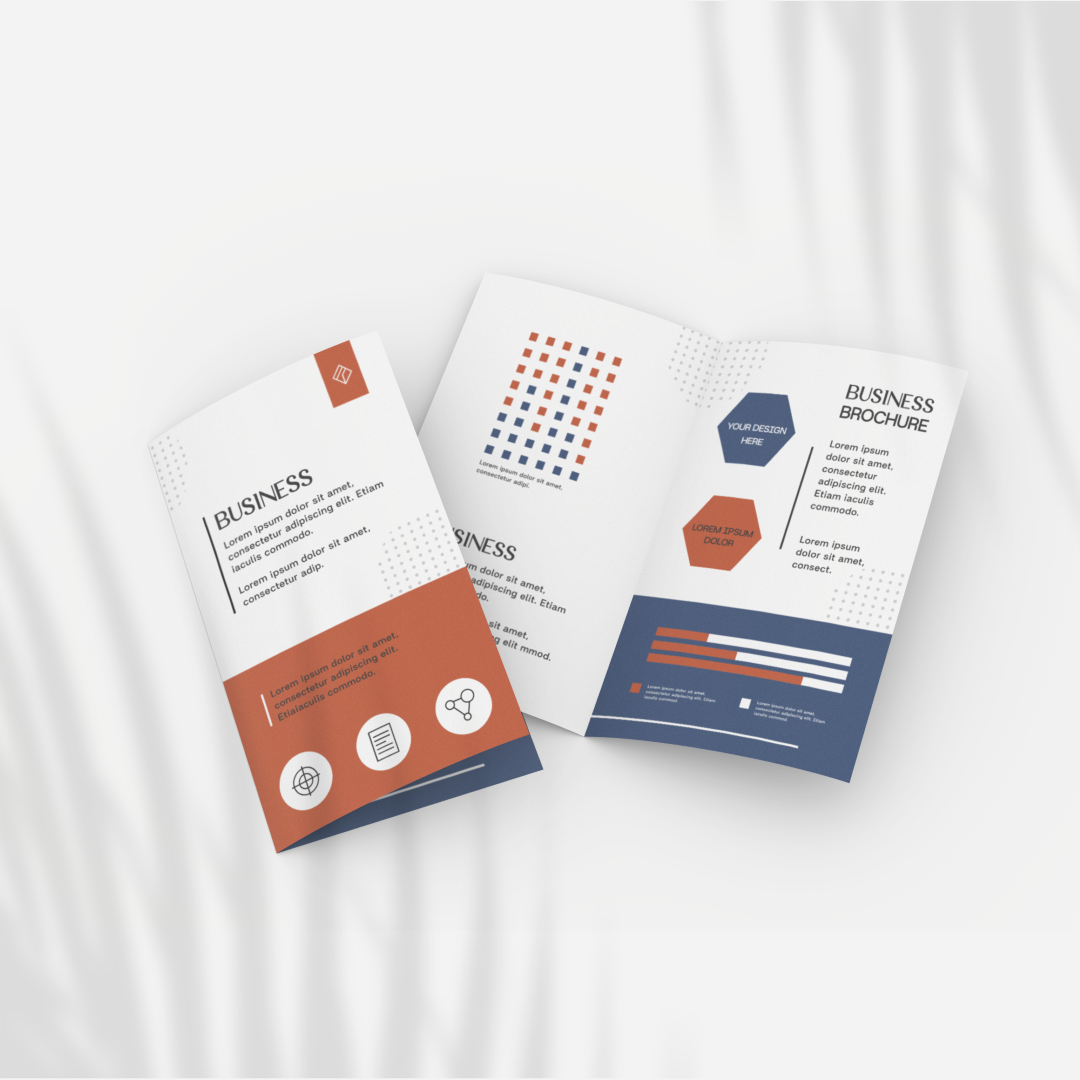
- Available in Bi-fold (half fold) and Tri-fold (letter fold) formats
- Double-sided, full-color printing for maximum content space
- Choose between Gloss (100 lb) for vibrant shine or Matte (80 lb) for a softer finish
- Pre-folded for a clean, ready-to-use presentation
- Order quantities from 25 up to 10,000
- Ideal for brochures, menus, event handouts, and packaging inserts
Choose your Paper

Gloss

Matte
Choose your Fold
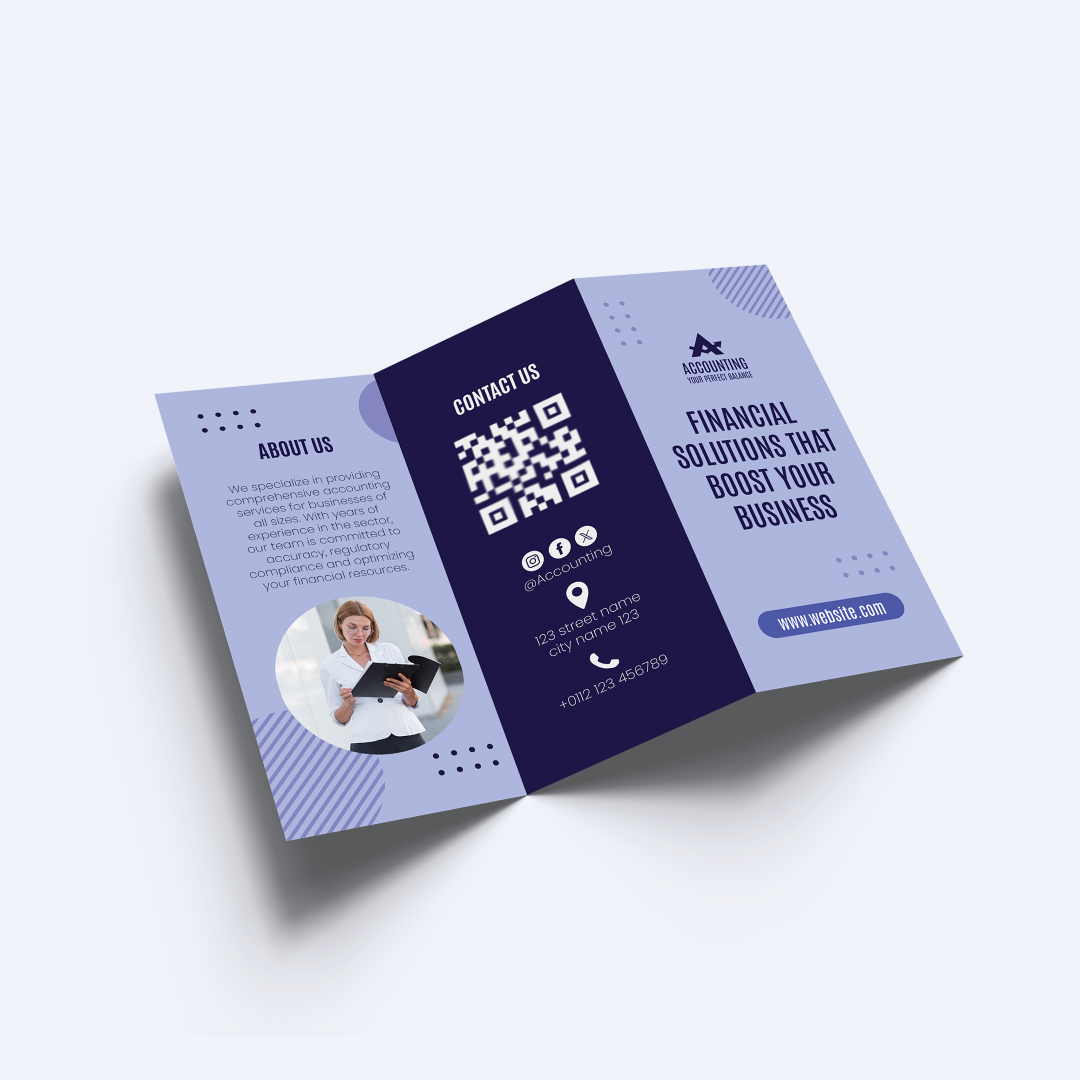
Tri Fold
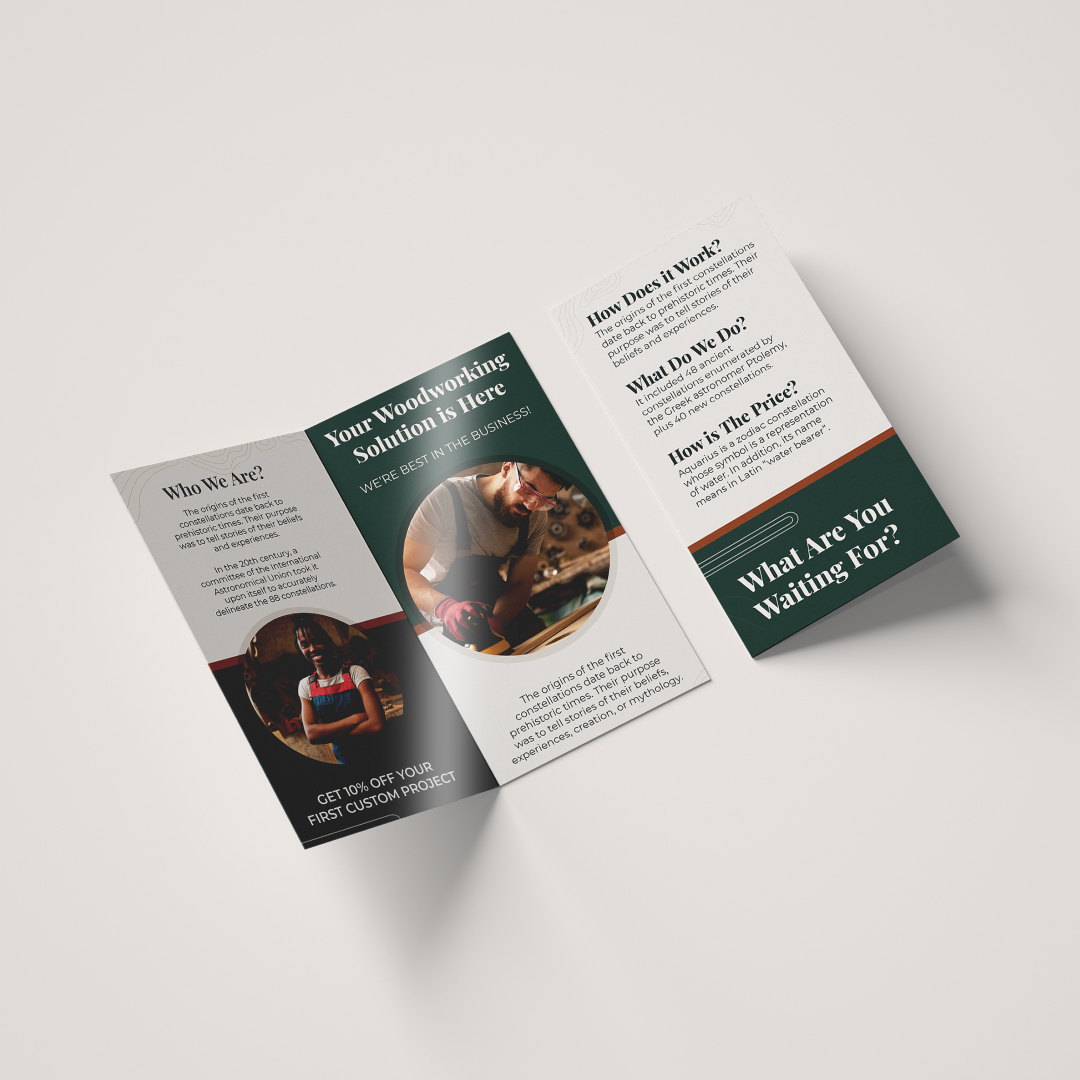
Bi Fold
Choose your quantity
| Quantity | Price per card | Pack price |
|---|---|---|
| 25 | $1.20 | $30.00 |
| 50 | $1.00 | $50.00 |
| 500 | $0.64 | $320.00 |
For more pricing info, see our Shipping and Cost Calculator.

Print a different design on every card, for FREE.
Take your brand to the next level
Get design support & exclusive discounts, perfect for those big Business Card orders. From just $99 a year, email support@mypaperprint.com or call +1 (555) 123-4567 to get started.
Summary
| Paper | - |
| Fold | - |
| Quantity | 200 |
| Price Per Item | $20 |
| Price | $74.00 $88.00 |
FAQs - Gloss Brochures
You can choose between Bi-fold (2 panels) and Tri-fold (3 panels) formats.
Gloss Brochures are available in 100 lb gloss for vibrant shine and 80 lb matte for a more subtle look.
Yes, all brochures are professionally pre-folded and ready to use.
The standard size is 8.5" x 11", folded into your selected format.
They are perfect for marketing materials, product catalogs, event handouts, menus, and inserts.
Popular Products
These are tried and true favorites that will have you set to get down to business.
Customer Reviews
No reviews yet. Be the first to review this product!
