

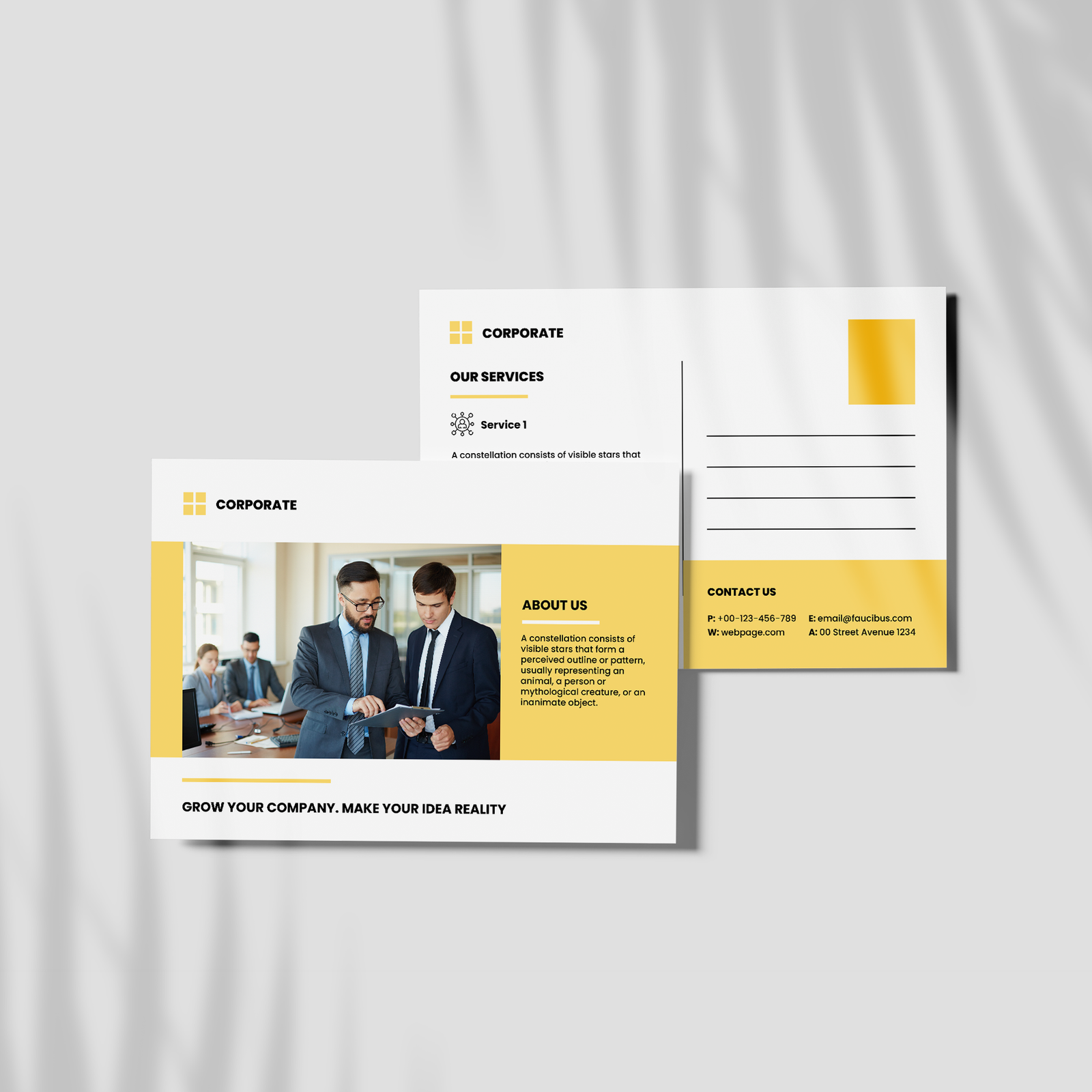
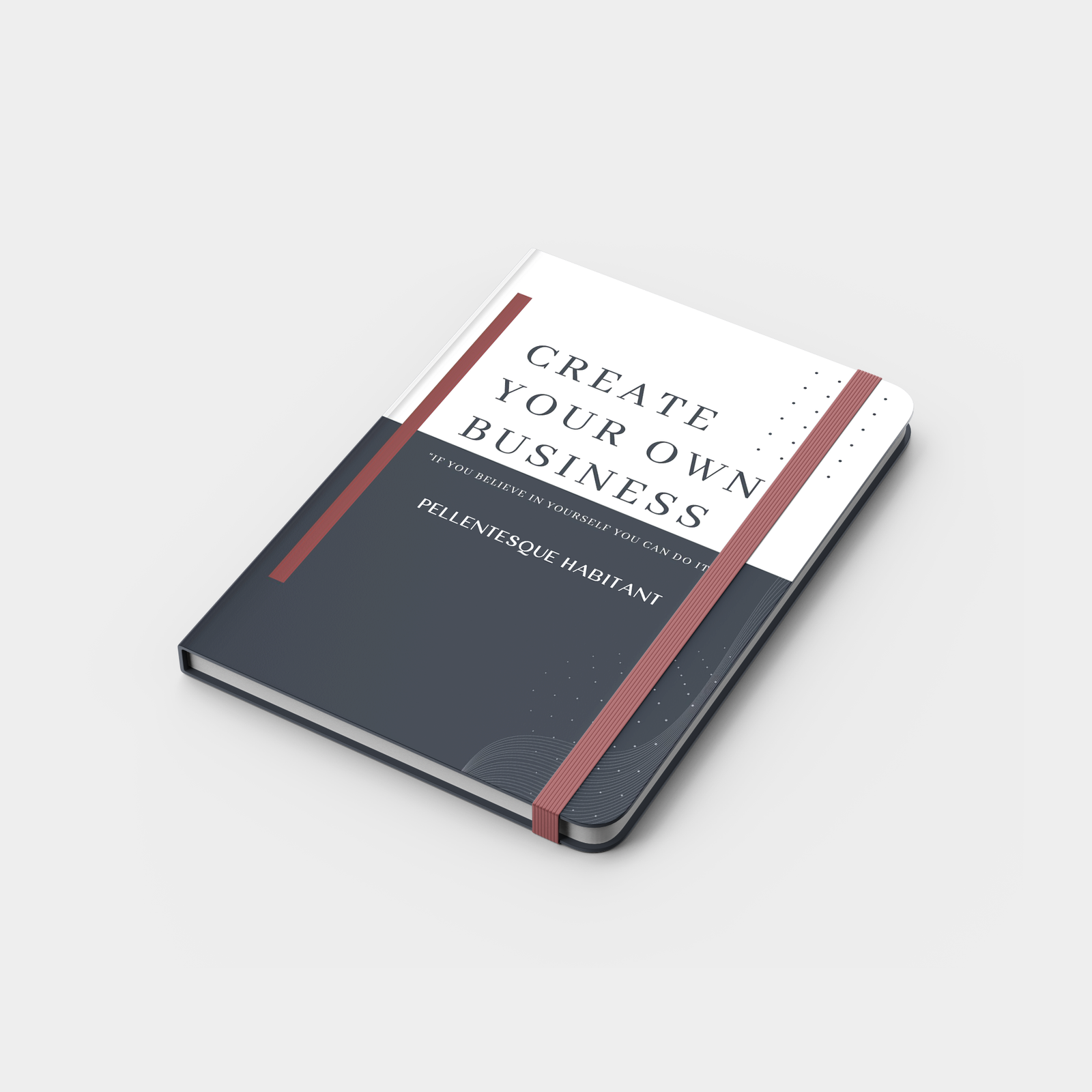
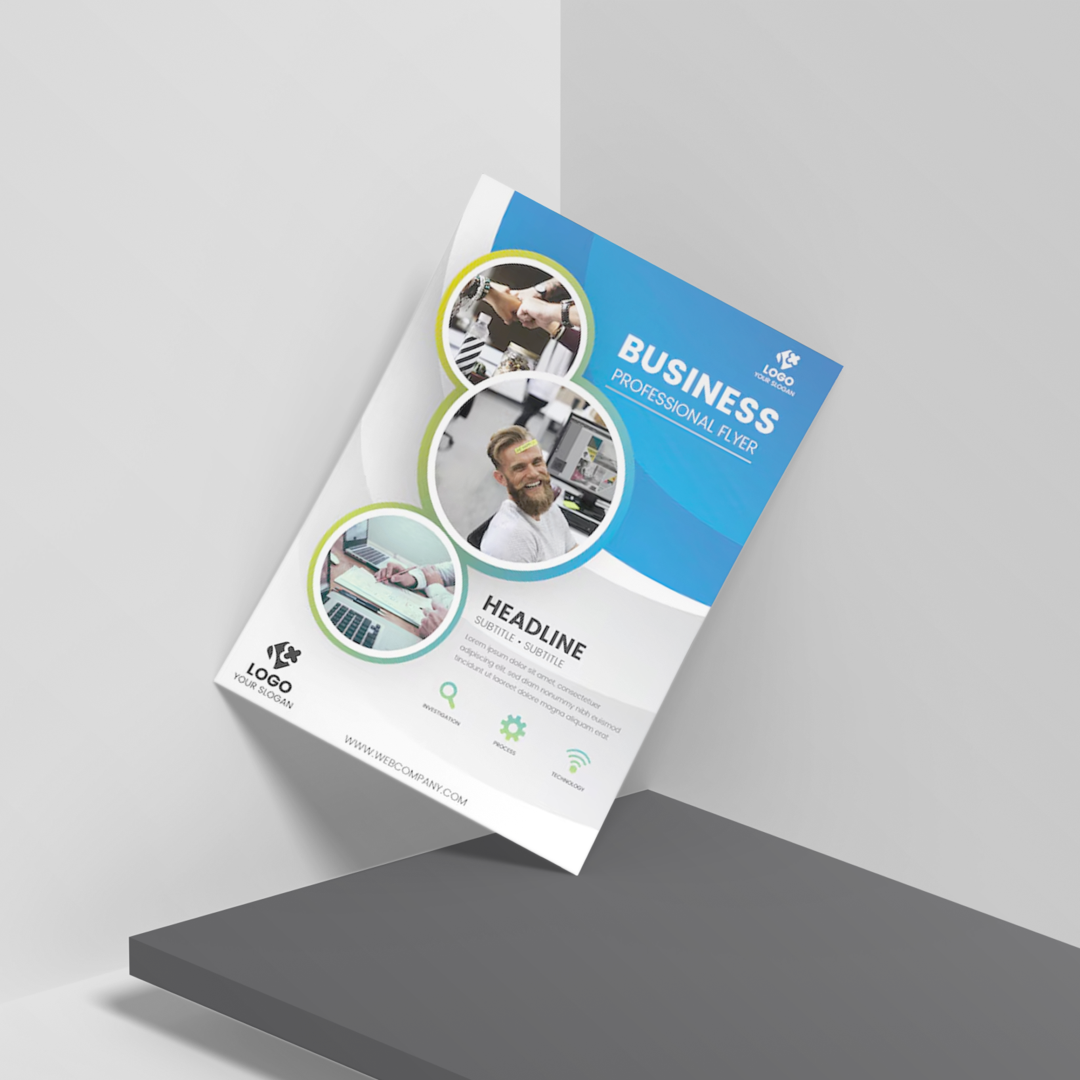
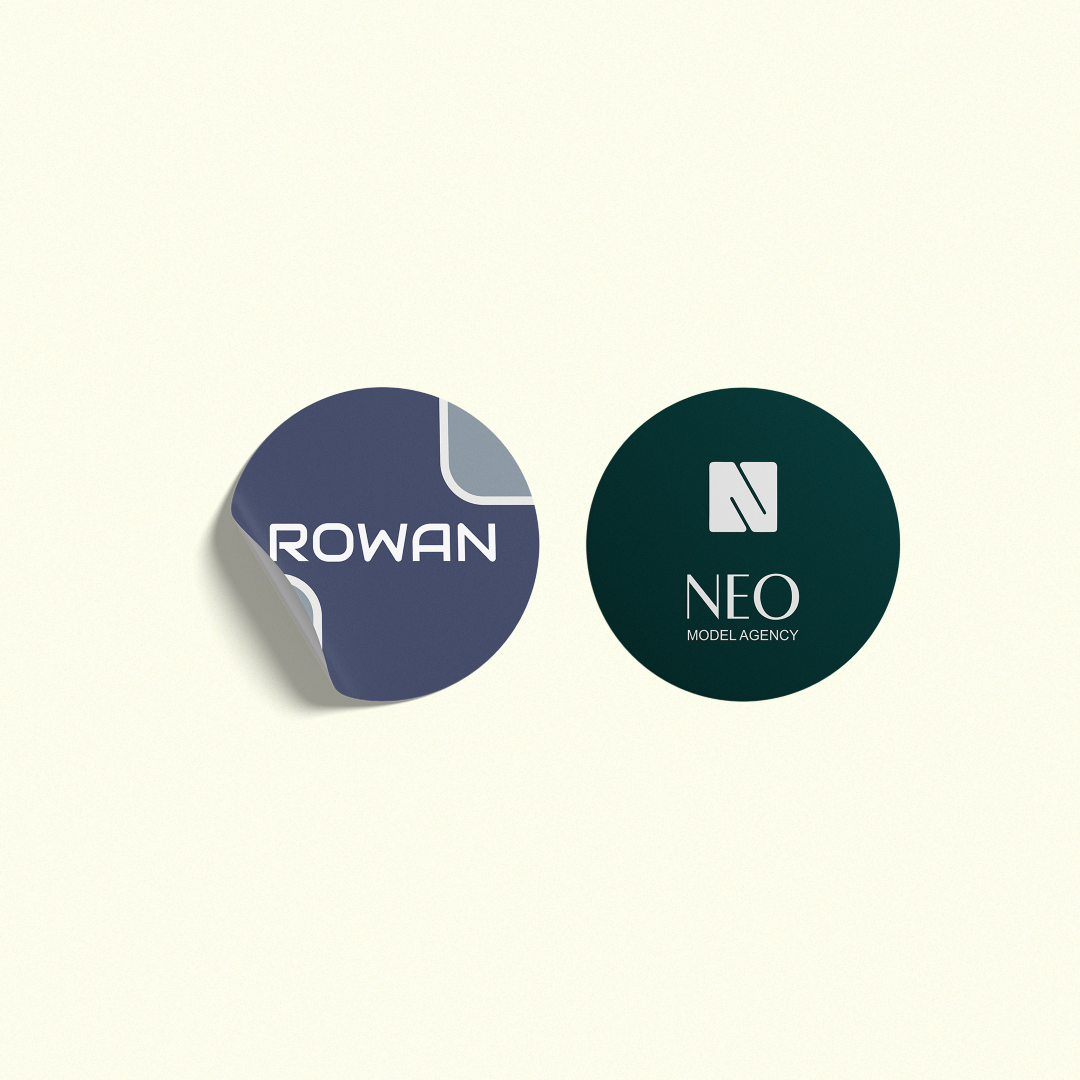

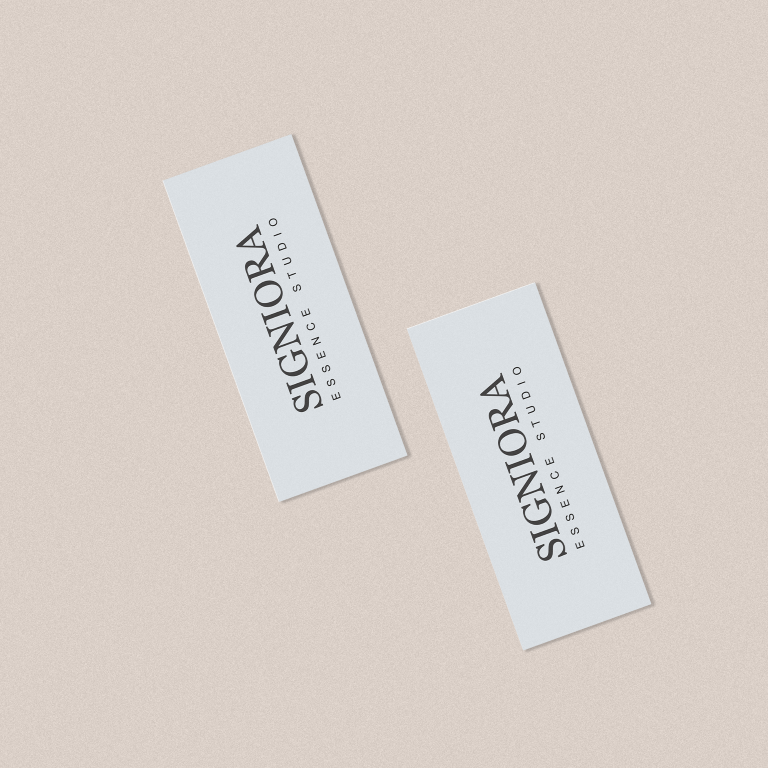

Design by you,printed in the USA.

Reliable delivery within
5-7 business days.
Original MiniCards
Matte & Gloss finishes | Premium paper options
100 cards from $30
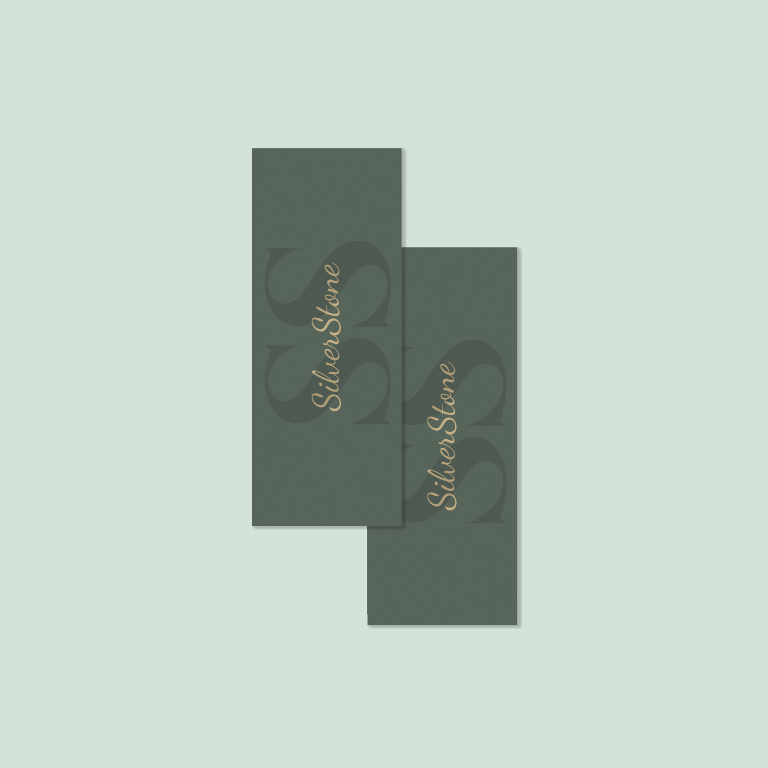
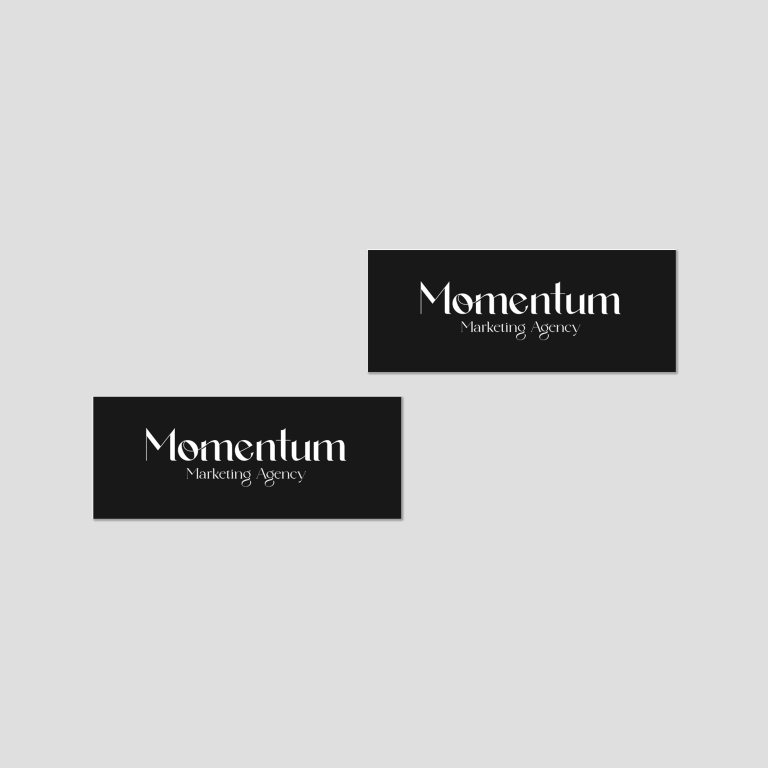
Original Mini Cards are designed for quick connections, small enough to carry anywhere, yet impactful enough to leave a lasting impression.
- Standard 2.75" x 1.10" mini card size for easy handling and storage
- Double-sided, full-color printing to maximize space for your message
- Available in Original paper stocks with a clean, professional feel
- Choose between Matte for a subtle look or Gloss for vibrant colors
- Ideal for brand tags, appointment reminders, loyalty cards, and quick handouts
- Sharp print quality ensures clear text and crisp visuals even in a smaller format
- Perfect for businesses looking for compact, cost-effective branding
Choose your Corners

Rounded
Smooth and Rounded
Square
Sharp and Stylish
Half Rounded
Special Corner
Choose your Finish

Matte
With a smooth feel. Shine-free so no glare.

Gloss
Eye-catchingly shiny. Makes color photos pop.
Choose your quantity
| Quantity | Price per card | Pack price |
|---|---|---|
| 100 | $0.21 | $21.00 |
| 200 | $0.21 | $42.00 |
| 300 | $0.21 | $63.00 |
| 400 | $0.18 | $72.00
|
| 1200 | $0.18 | $216.00
|
For more pricing info, see our Shipping and Cost Calculator.

Print a different design on every card, for FREE.
Take your brand to the next level
Get design support & exclusive discounts, perfect for those big Business Card orders. From just $99 a year, email support@mypaperprint.com or call +1 (555) 123-4567 to get started.
Summary
| Corners | - |
| Finish | - |
| Quantity | 200 |
| Price Per Item | $20 |
| Price | $74.00 $88.00 |
FAQs - Original MiniCards
They’re perfect for tags, small handouts, appointment cards, and quick brand touchpoints.
Yes, they come with double-sided, full-color printing for maximum usability.
You can choose between matte for a clean finish or gloss for more vibrant color output.
Absolutely, their compact size makes them pocket-friendly and easy to distribute anywhere.
Yes, you can fully customize the layout, colors, and content to match your brand.
Popular Products
These are tried and true favorites that will have you set to get down to business.

Customer Reviews
No reviews yet. Be the first to review this product!
