


Design by you,printed in the USA.

Reliable delivery within
5-7 business days.
Super Business Cards
Durable 18pt business cards with a sleek feel
50 cards for $31
Impressively strong Business Cards
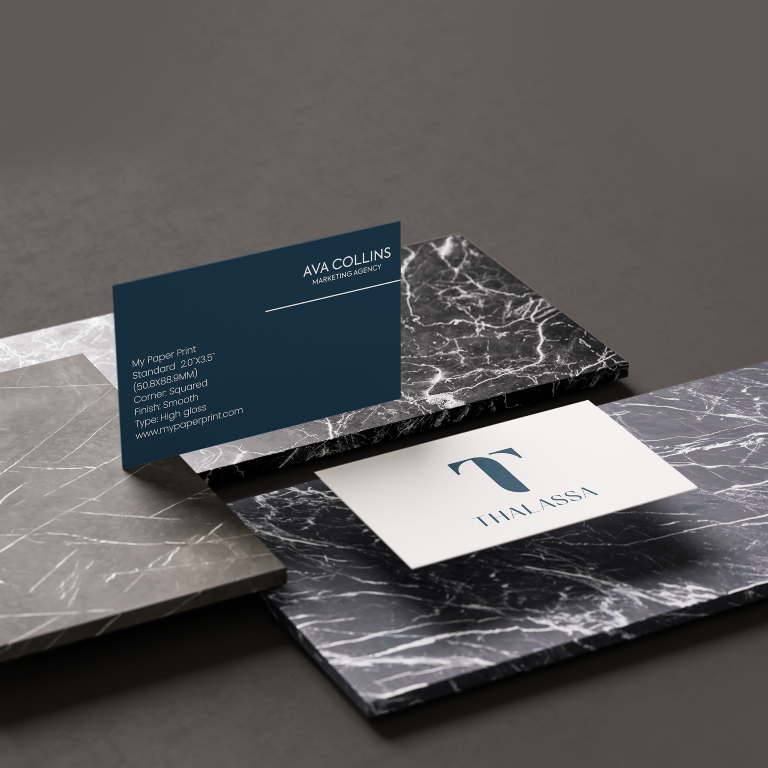
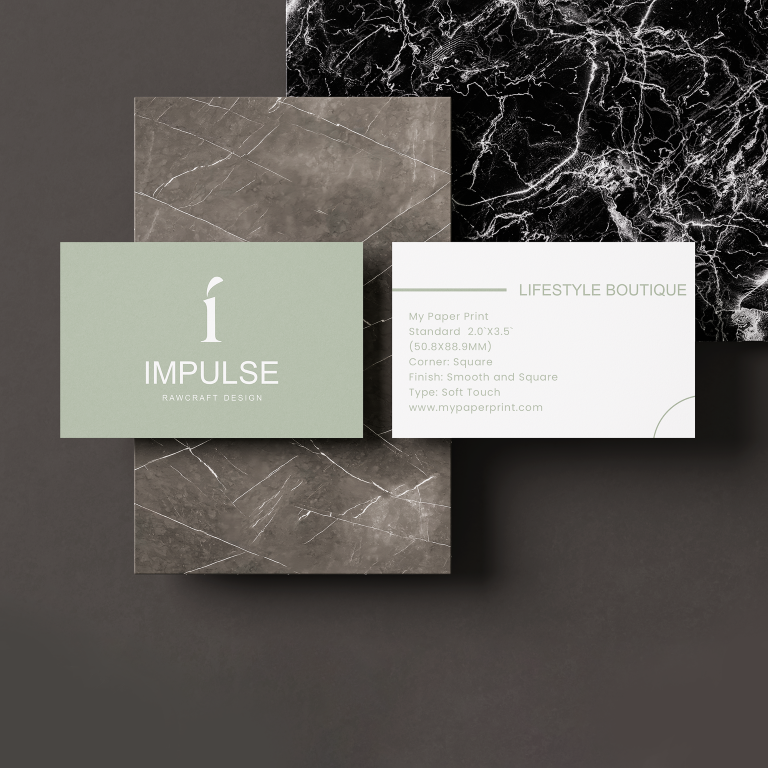
Super Business Cards are designed to stay strong while maintaining a slim, wallet-friendly profile. Printed on thick 18pt cardstock, these cards resist bending and maintain their shape, ensuring your brand looks sharp every time you hand one out.
- 130lb cardstock with 18pt thickness
- Strong, bend-resistant construction
- Available in Soft Touch or High Gloss finishes
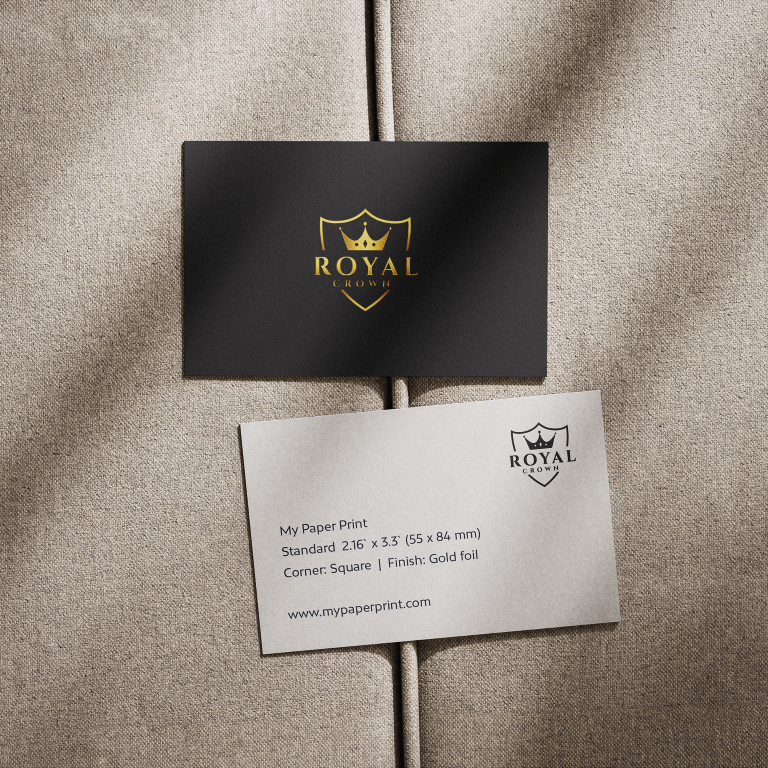
- Soft Touch cards support special finishes like Gold Foil, Silver Foil, Spot Gloss, and Raised Spot Gloss
Choose your Size

Standard
2.0"X3.5"
50.8x88.9 mm

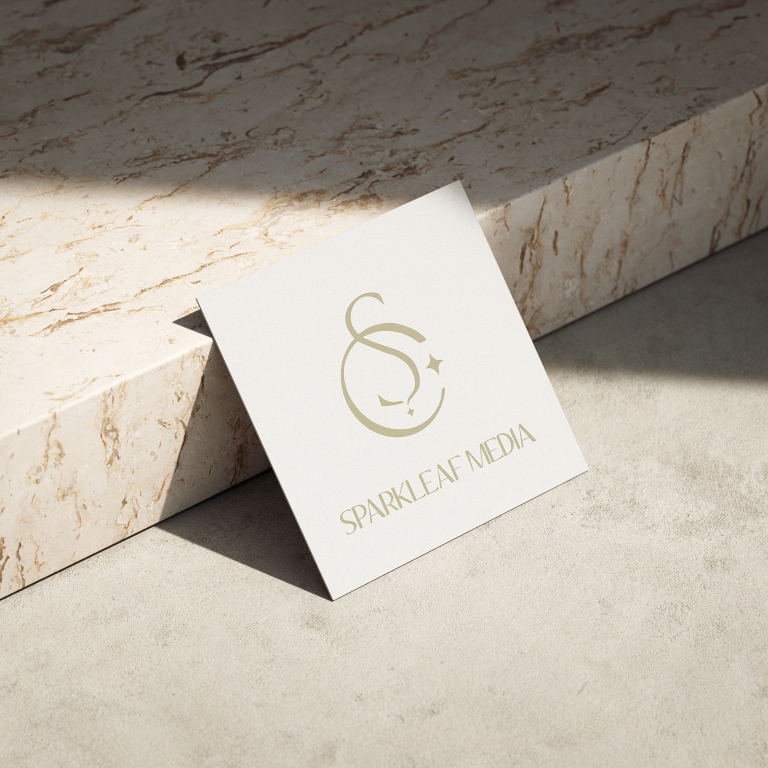
Square
2.5"x2.5"
64x64 mm

MyPaperPrint
2.16"X3.3"
55x84 mm
Choose your Corners

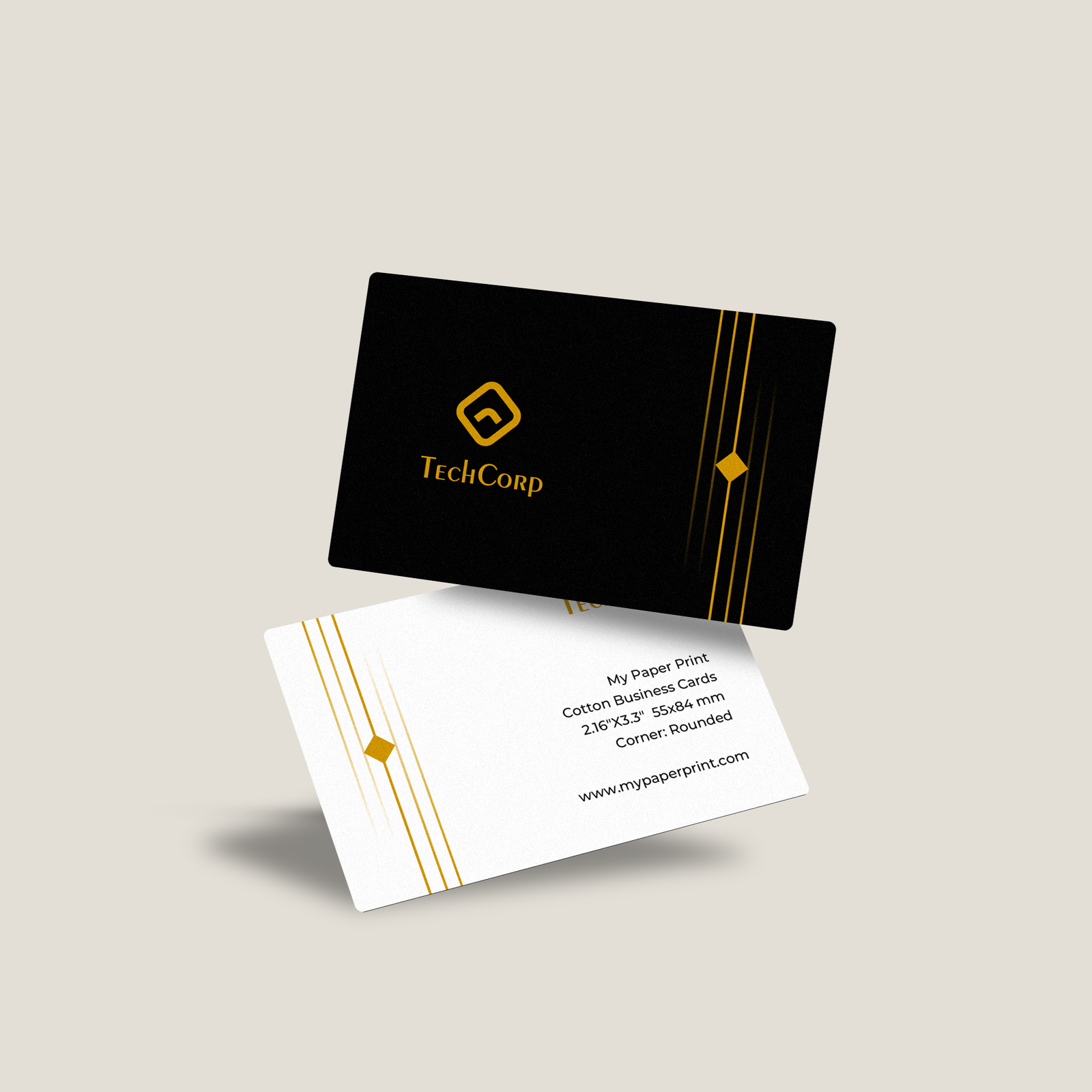
Rounded
Smooth and Rounded

Square
Sharp and Stylish
Choose your Paper Type
Soft Touch
High Gloss
Choose your quantity
| Quantity | Price per card | Pack price |
|---|---|---|
| 50 | $0.62 | $31.00 |
| 100 | $0.61 | $61.00
|
For more pricing info, see our Shipping and Cost Calculator.

Print a different design on every card, for FREE.
Take your brand to the next level
Get design support & exclusive discounts, perfect for those big Business Card orders. From just $99 a year, email support@mypaperprint.com or call +1 (555) 123-4567 to get started.
Summary
| Size | - |
| Corners | - |
| Paper Type | - |
| Quantity | 200 |
| Price Per Item | $20 |
| Price | $74.00 $88.00 |
FAQs - Super Business Cards
Super Business Cards are designed for durability thick, strong, and resistant to bending while maintaining a sleek profile.
They are made with 130lb cardstock (18pt thickness), offering extra strength compared to standard business cards.
Yes, these cards are built to resist bending and wear, making them ideal for long-lasting use.
Choose from Soft Touch for a smooth, velvety feel or High Gloss for a vibrant, shiny finish.
Yes, Soft Touch cards support Gold Foil, Silver Foil, Spot Gloss, and Raised Spot Gloss for added impact.
They’re perfect for professionals who want durable, high-quality cards that stay sharp even with frequent use.
Popular Products
These are tried and true favorites that will have you set to get down to business.
Customer Reviews
No reviews yet. Be the first to review this product!
