






Design by you,printed in the USA.

Reliable delivery within
5-7 business days.
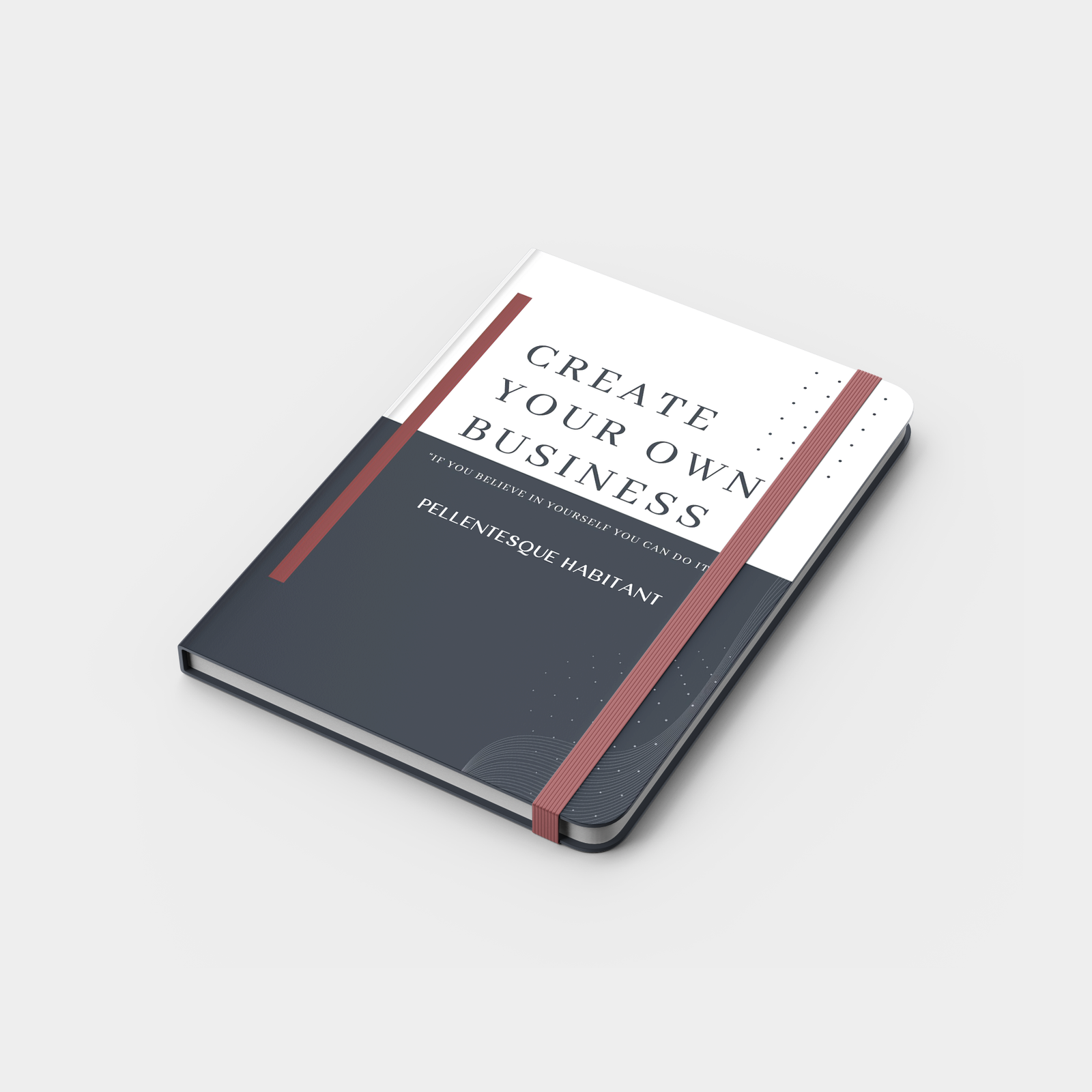
Softcover Notebooks
Soft-touch cover | 144 pages | Premium paper
10 notebooks from $350
A sleek, flexible notebook designed for daily notes, journaling, and ideas finished with a soft-touch cover that feels as good as it looks.
- Soft-touch faux leather cover with premium feel
- 144 lined pages for notes, planning, and journaling
- Available in Medium (5.8" x 8.3") & Large (8.3" x 11.7")
- High-quality inner paper for smooth writing
- Colored page edges for a standout look
Choose your Size
Large
Medium
Choose your Special Finish
Black Foil
White Foil
Blind Deboss
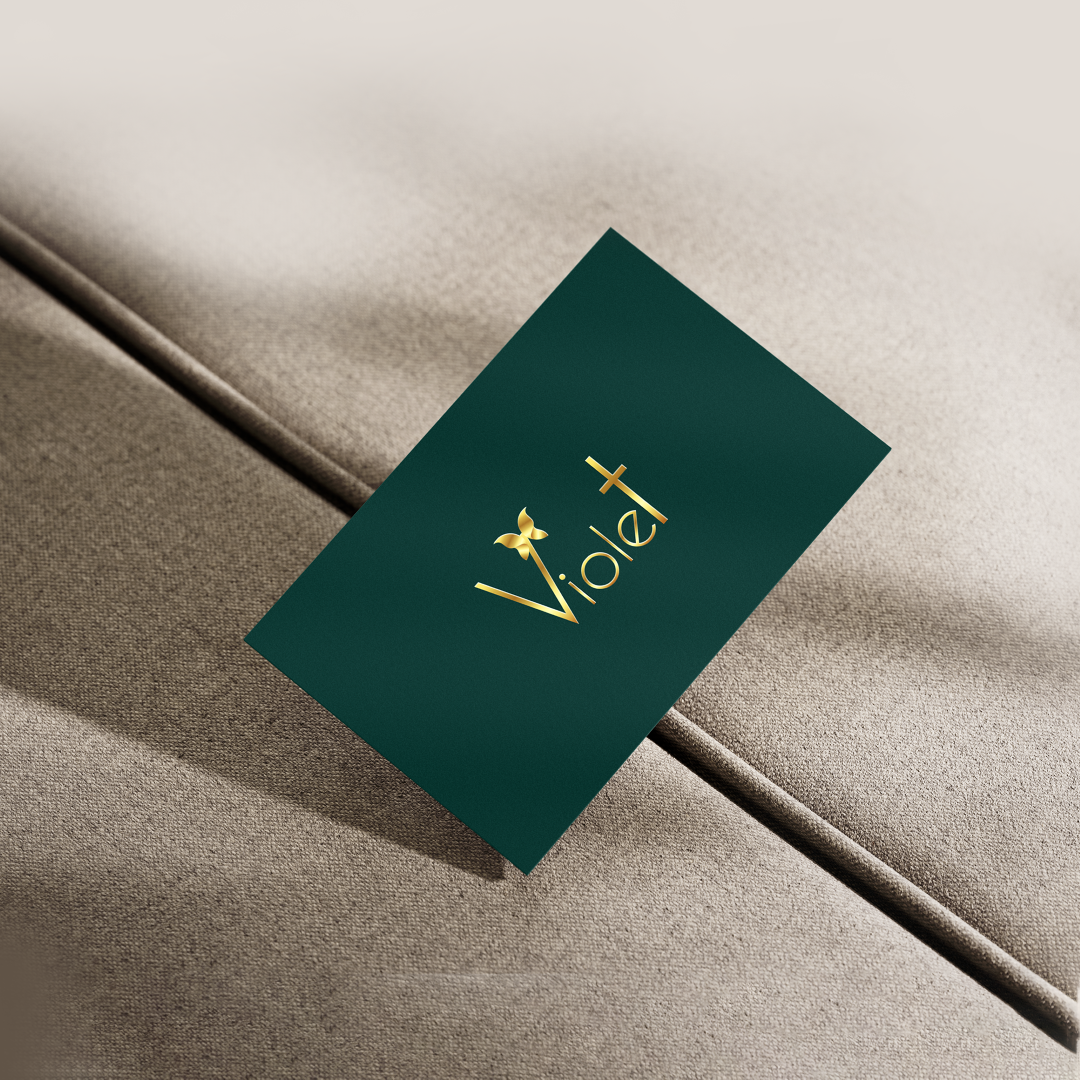
Gold Foil
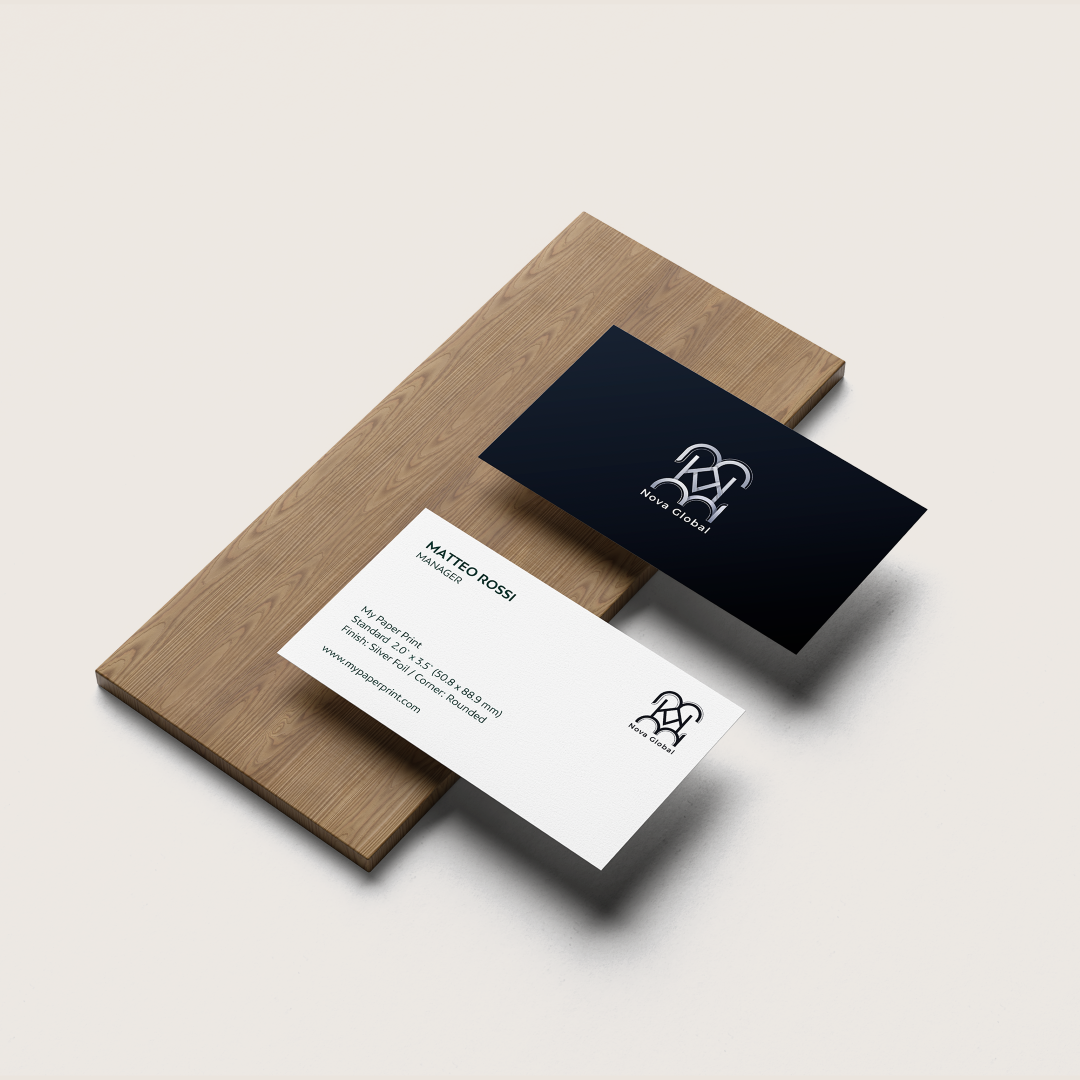
Silver Foil
Choose your Color
Black
Grey
Blue
Choose your quantity
| Quantity | Price per card | Pack price |
|---|---|---|
| 10 | $35.00 | $350.00 |
| 25 | $30.00 | $750.00 |
| 50 | $28.00 | $1400.00 |
| 100 | $25.00 | $2500.00 |
For more pricing info, see our Shipping and Cost Calculator.

Print a different design on every card, for FREE.
Take your brand to the next level
Get design support & exclusive discounts, perfect for those big Business Card orders. From just $99 a year, email support@mypaperprint.com or call +1 (555) 123-4567 to get started.
Summary
| Size | - |
| Special Finish | - |
| Color | - |
| Quantity | 200 |
| Price Per Item | $20 |
| Price | $74.00 $88.00 |
FAQs - Softcover Notebooks
Softcover Notebooks feature a smooth, flexible cover with a premium feel, designed for everyday writing and easy portability.
They are available in Medium and Large sizes, suitable for both personal and professional use.
They include high-quality lined paper, offering a smooth and comfortable writing experience.
Yes, you can add your logo or design to create fully customized notebooks for your brand.
They are ideal for note-taking, journaling, meetings, and everyday planning.
Absolutely. Perfect for branding, corporate gifting, and daily use.
Popular Products
These are tried and true favorites that will have you set to get down to business.



Customer Reviews
No reviews yet. Be the first to review this product!
