
Design by you,printed in the USA.

On matte finish & square corners.
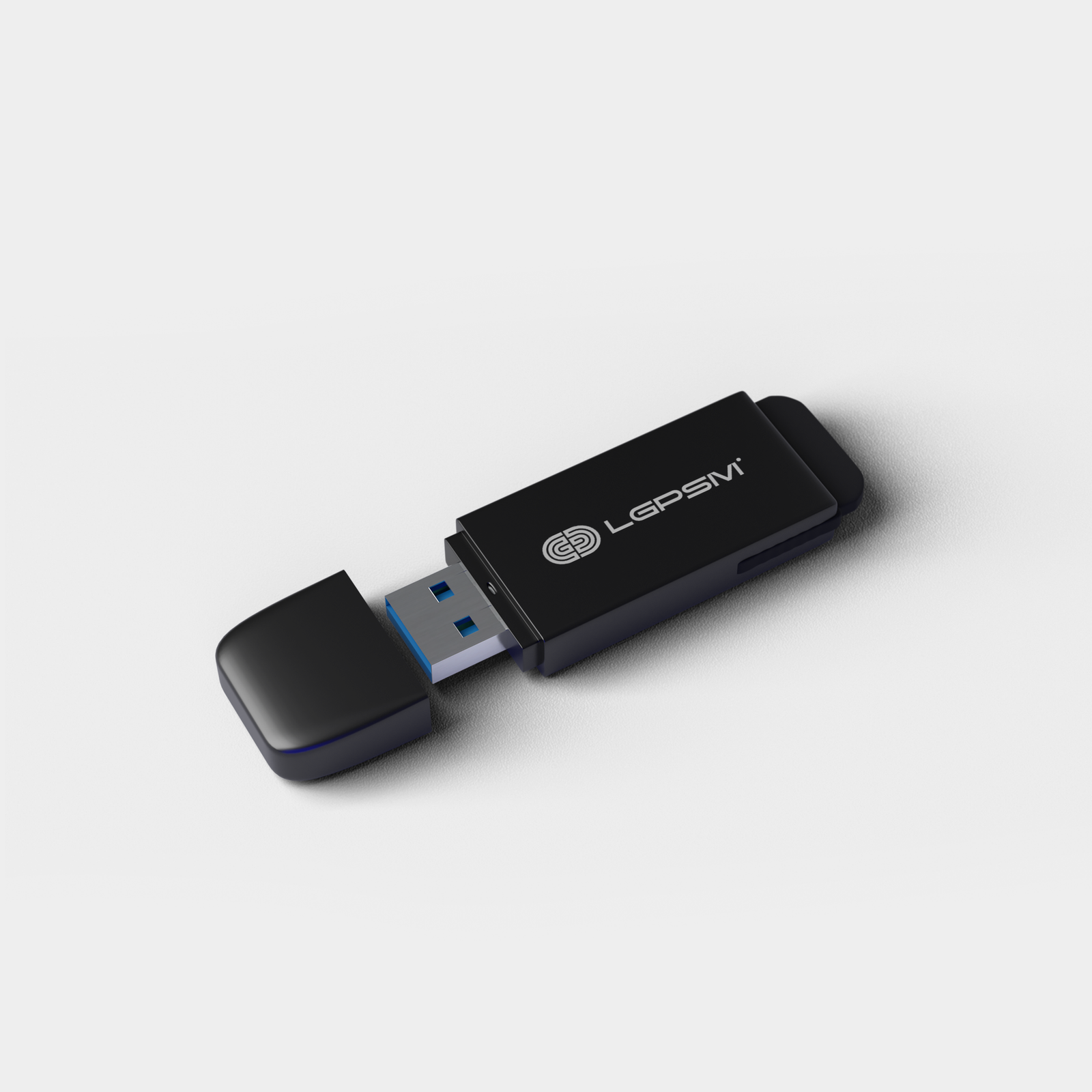
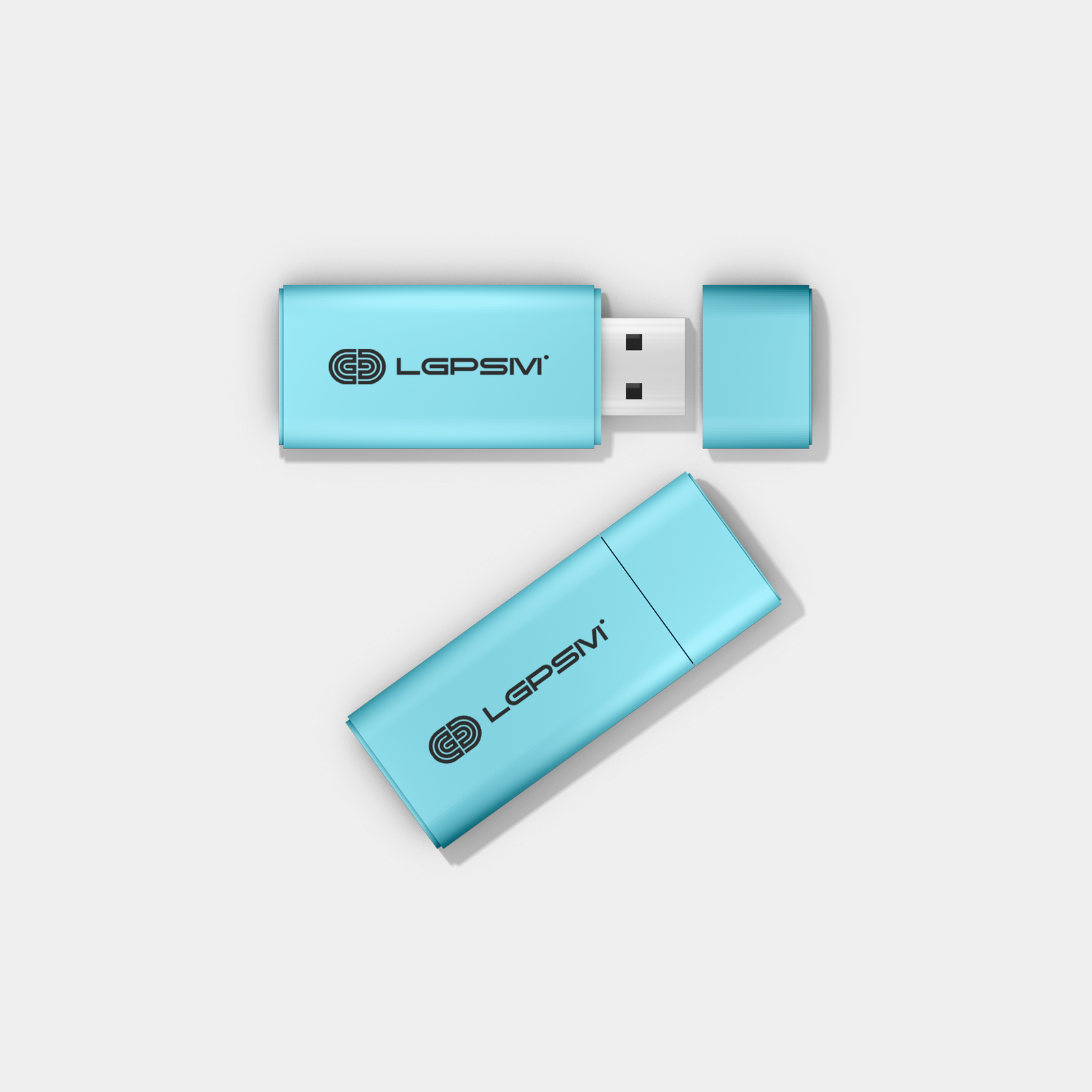
Flash Pen Drive
1 cards from 339.00
SanDisk Cruzer Blade 32GB USB Flash Drive
- Compact Design for Maximum Portability.
- Store more with capacities up to 16gb 5-year limited warranty , High-Capacity Drive Accommodates Your Favorite Media Files. Write Speed : 20 MB/s (USB 2.0)
- Operating temperature: 0ºC to 45ºC , Storage temperature: -10ºC to 70ºC.
- SanDisk SecureAccess Software Protects Drive from Unauthorized Access.
- The models are different because production is from different countries. Otherwise both are sandisk cruzer blade models.
Choose your Size
32GB
64GB
Choose your Body
Metal
Faber
Choose your quantity
| Quantity | Price per card | Pack price |
|---|---|---|
| 1 | ₹400.00 | ₹339.00 |
| 2 | ₹350.00 | ₹700.00 |
For more pricing info, see our Shipping and Cost Calculator.

Print a different design on every card, for FREE.
Take your brand to the next level
Get design support & exclusive discounts, perfect for those big Business Card orders. From just $99 a year, email support@mypaperprint.com or call +1 (555) 123-4567 to get started.
Summary
| Size | - |
| Body | - |
| Quantity | 200 |
| Price Per Item | ₹20 |
| Price | ₹74.00 ₹88.00 |
Flash Pen Drive Design Guidelines
- Standard Size
- Rectangle Size
- Square
Tab 1
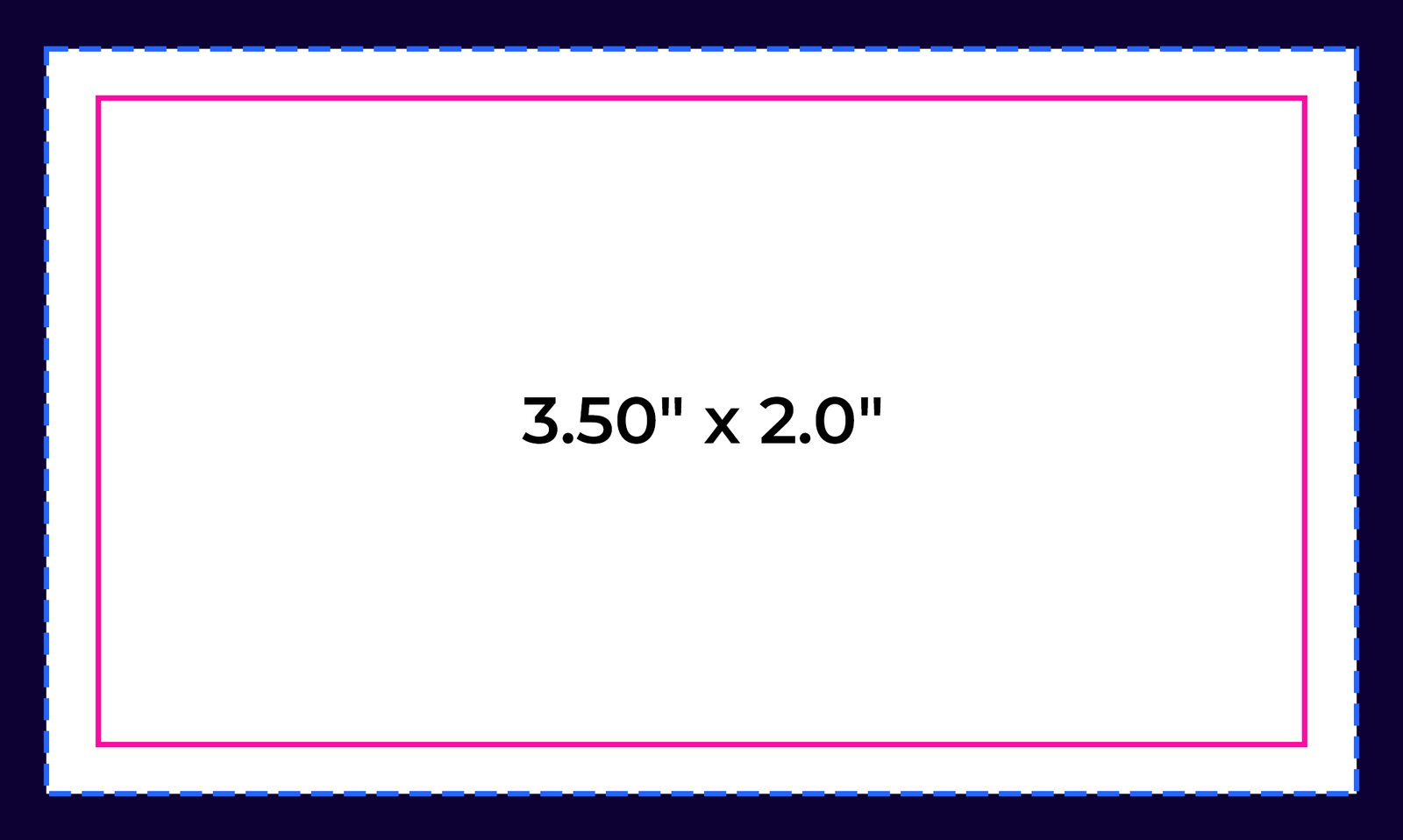

Bleed Area: 3.66" x 2.16"
Make sure that your background extends to fill the bleed to avoid your Business Cards having white edges when trimmed.
Trim: 3.50" x 2.0"
This is where we aim to cut your cards.
Safe Area: 3.34" x 1.84"
Make sure any important aspects of your design such as text and logos are inside of the safe area, otherwise they may be cut off.
psd
Photoshop
psd
Illustrator
psd
InDesign
psd
Jpeg
Tab 2
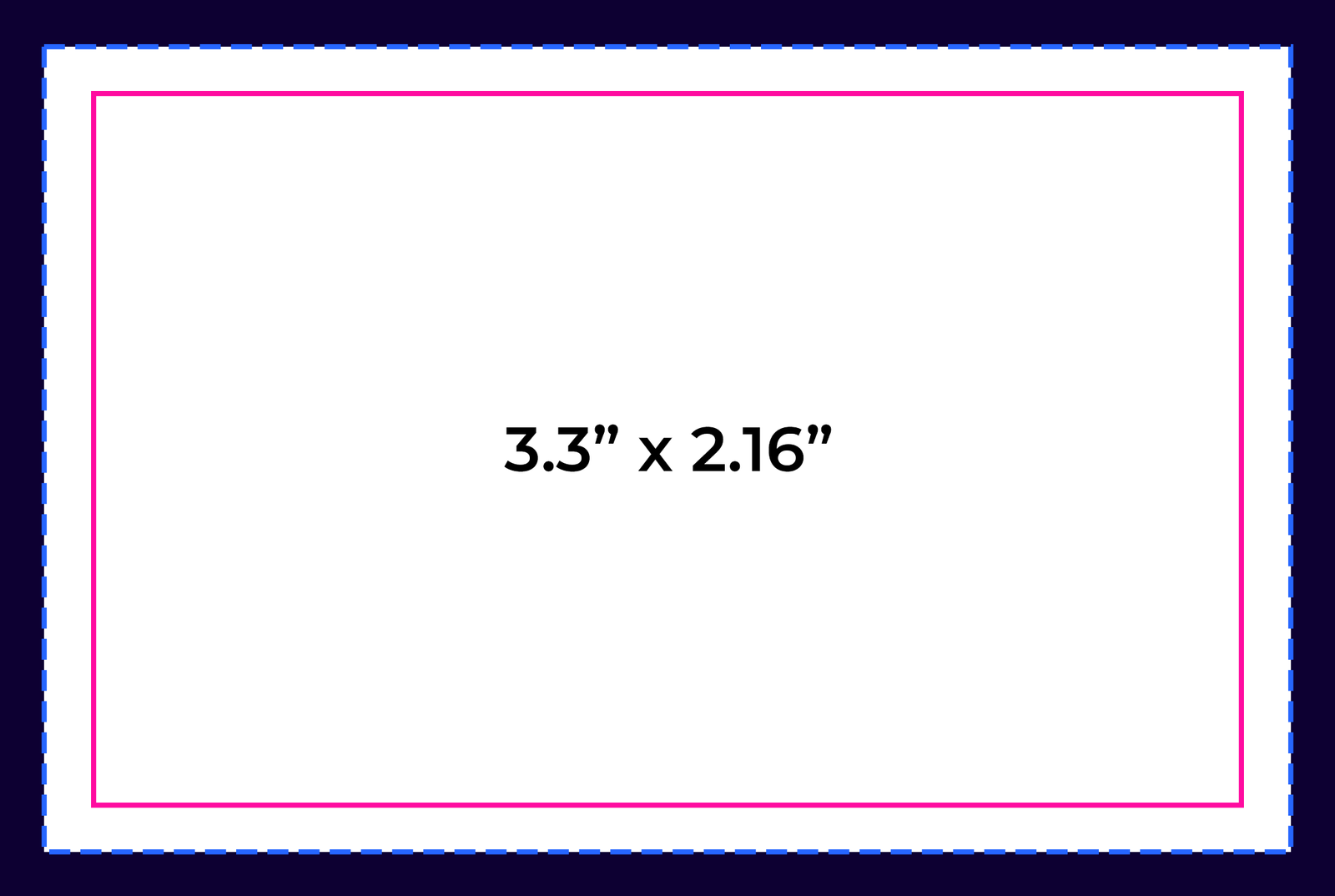
Bleed Area: 3.46” x 2.32”
Make sure that your background extends to fill the bleed to avoid your Business Cards having white edges when trimmed.
Trim: 3.3” x 2.16”
This is where we aim to cut your cards.
Safe Area: 3.14” x 2”
Make sure any important aspects of your design such as text and logos are inside of the safe area, otherwise they may be cut off.
psd
Photoshop
psd
Illustrator
psd
InDesign
psd
Jpeg
Tab 3
.png)
Bleed Area: 2.71" x 2.71"
Make sure that your background extends to fill the bleed to avoid your Business Cards having white edges when trimmed.
Trim: 2.56” x 2.56”
This is where we aim to cut your cards.
Safe Area: 2.4" x 2.4"
Make sure any important aspects of your design such as text and logos are inside of the safe area, otherwise they may be cut off.
psd
Photoshop
psd
Illustrator
psd
InDesign
psd
Jpeg

psd
Photoshop

ai
Illustrator

ind
InDesign

jpg
Jpeg
Popular Products
These are tried and true favorites that will have you set to get down to business.