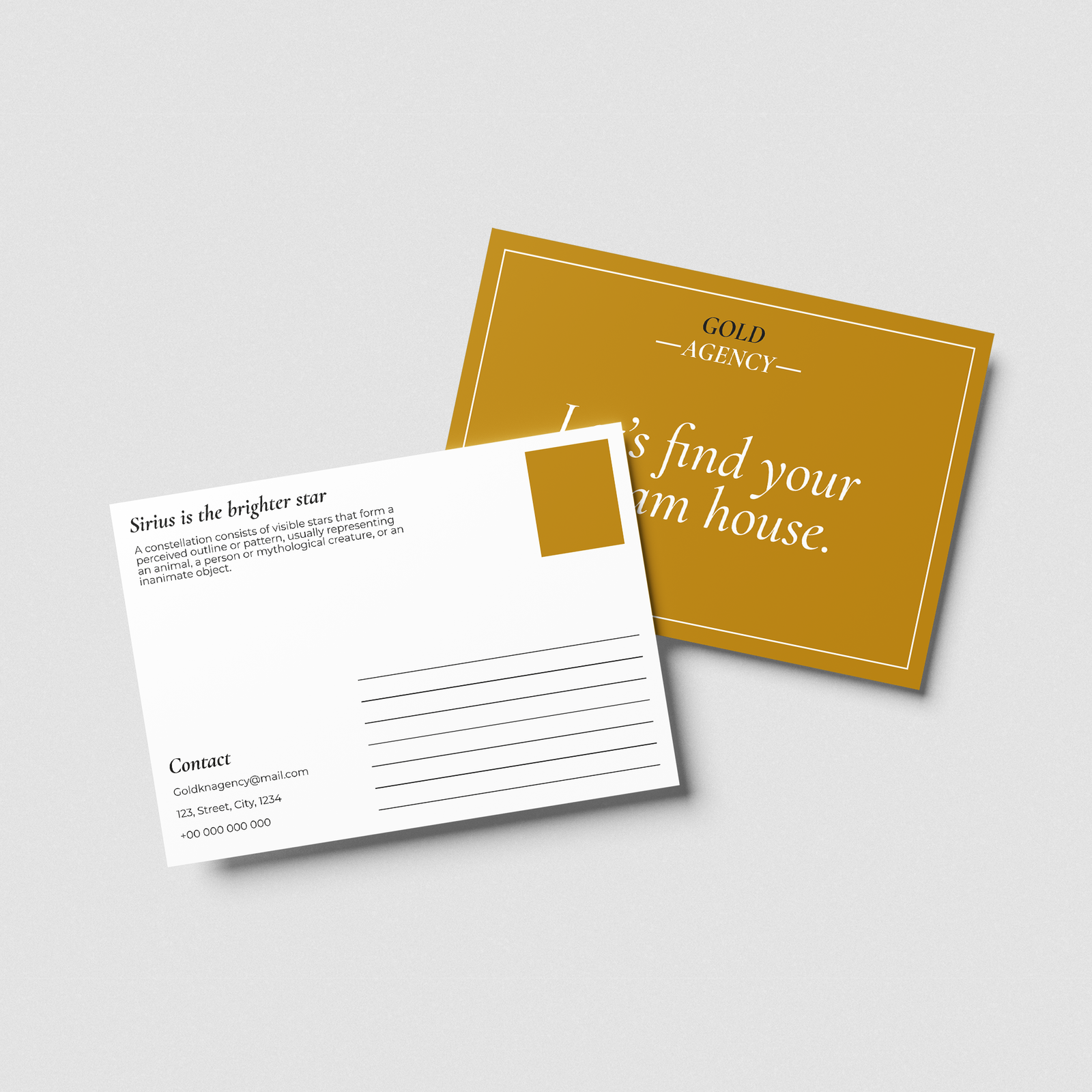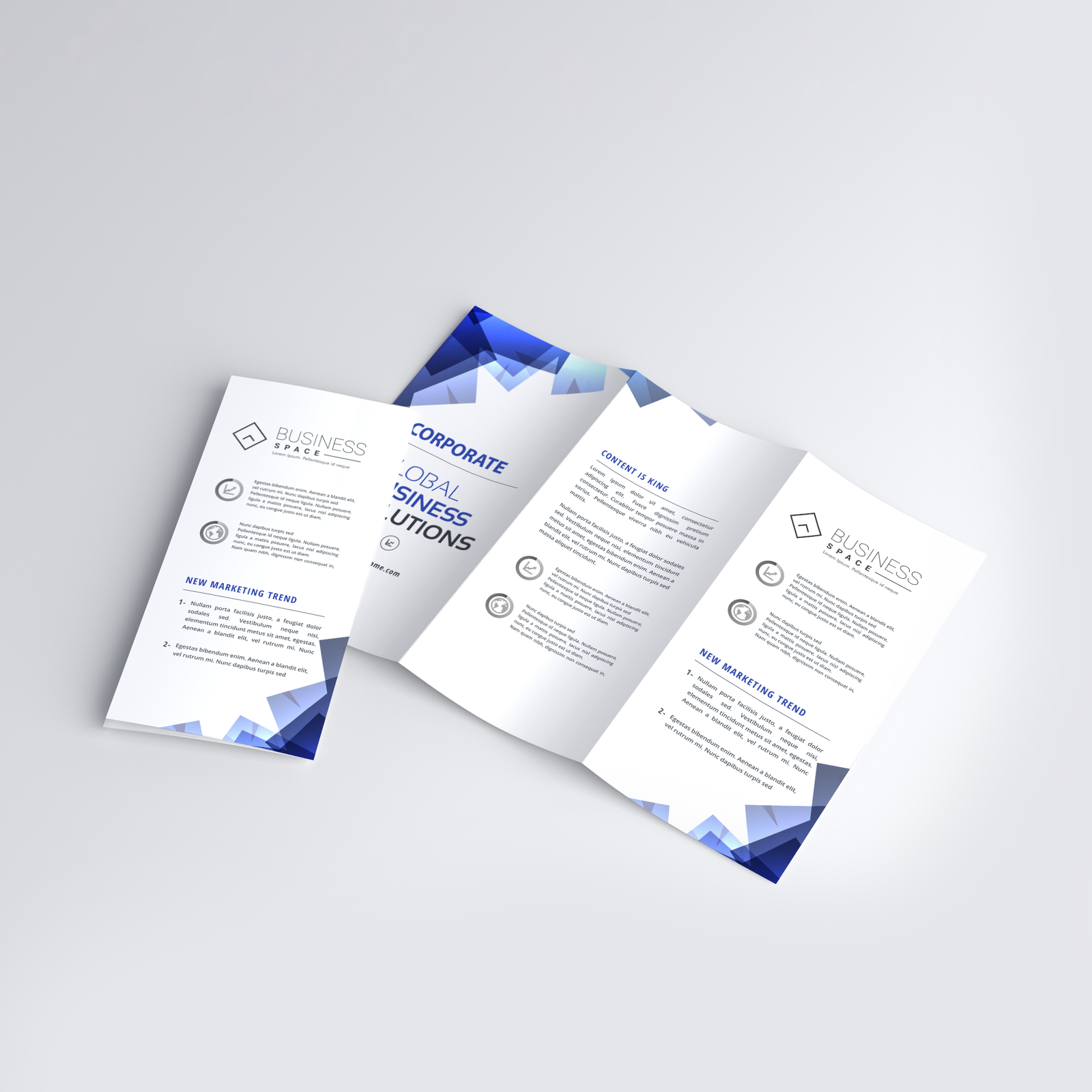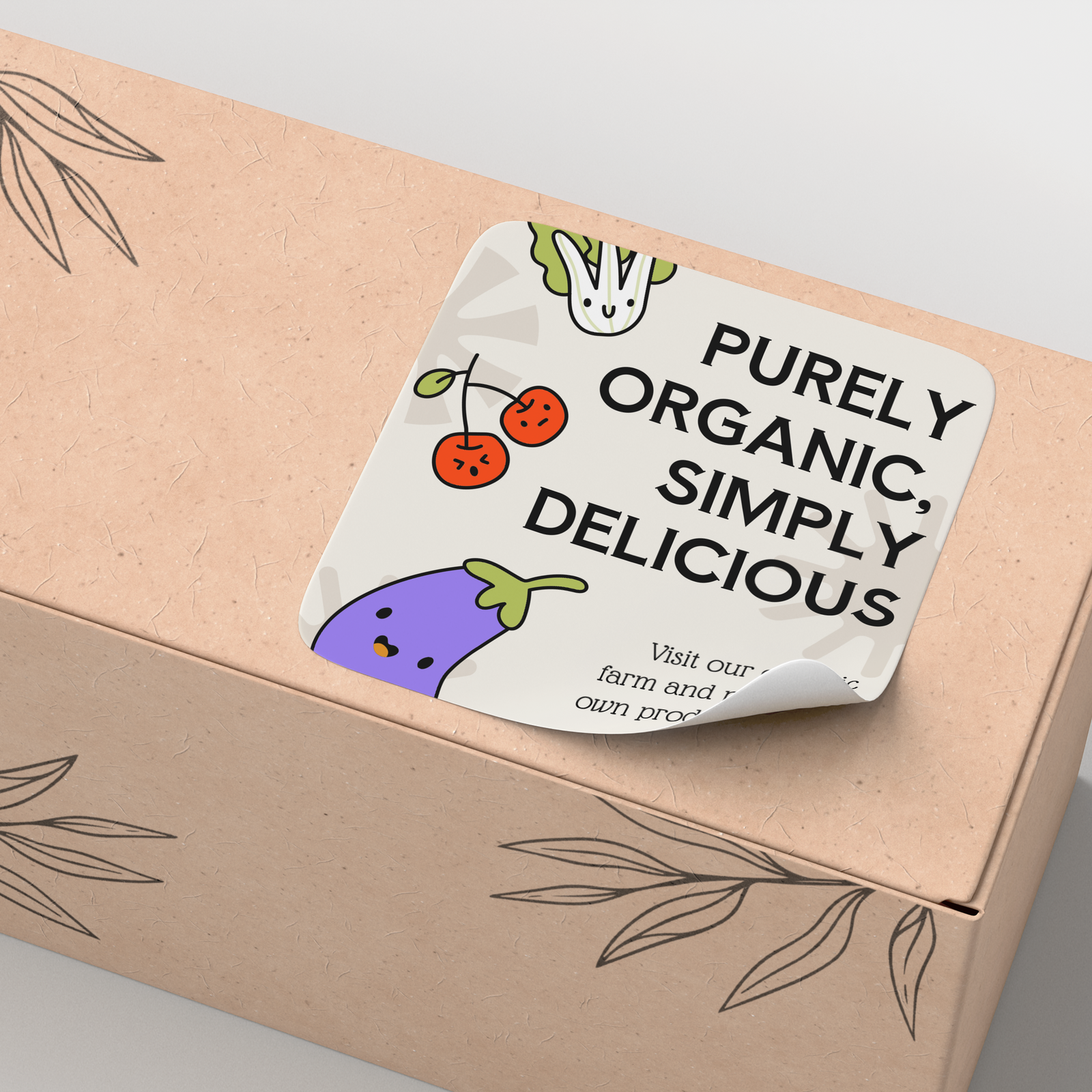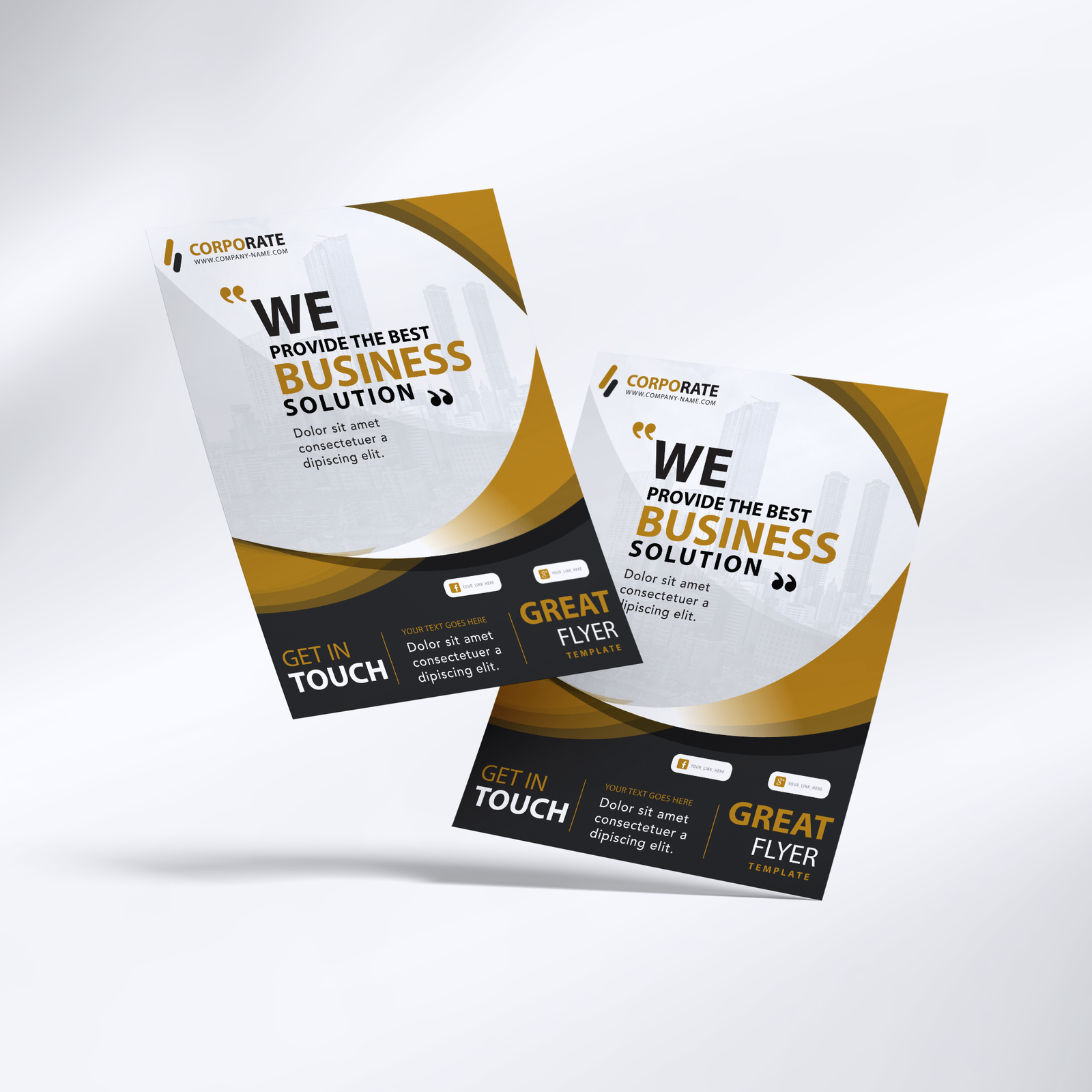


Design by you,printed in the USA.

On matte finish & square corners.
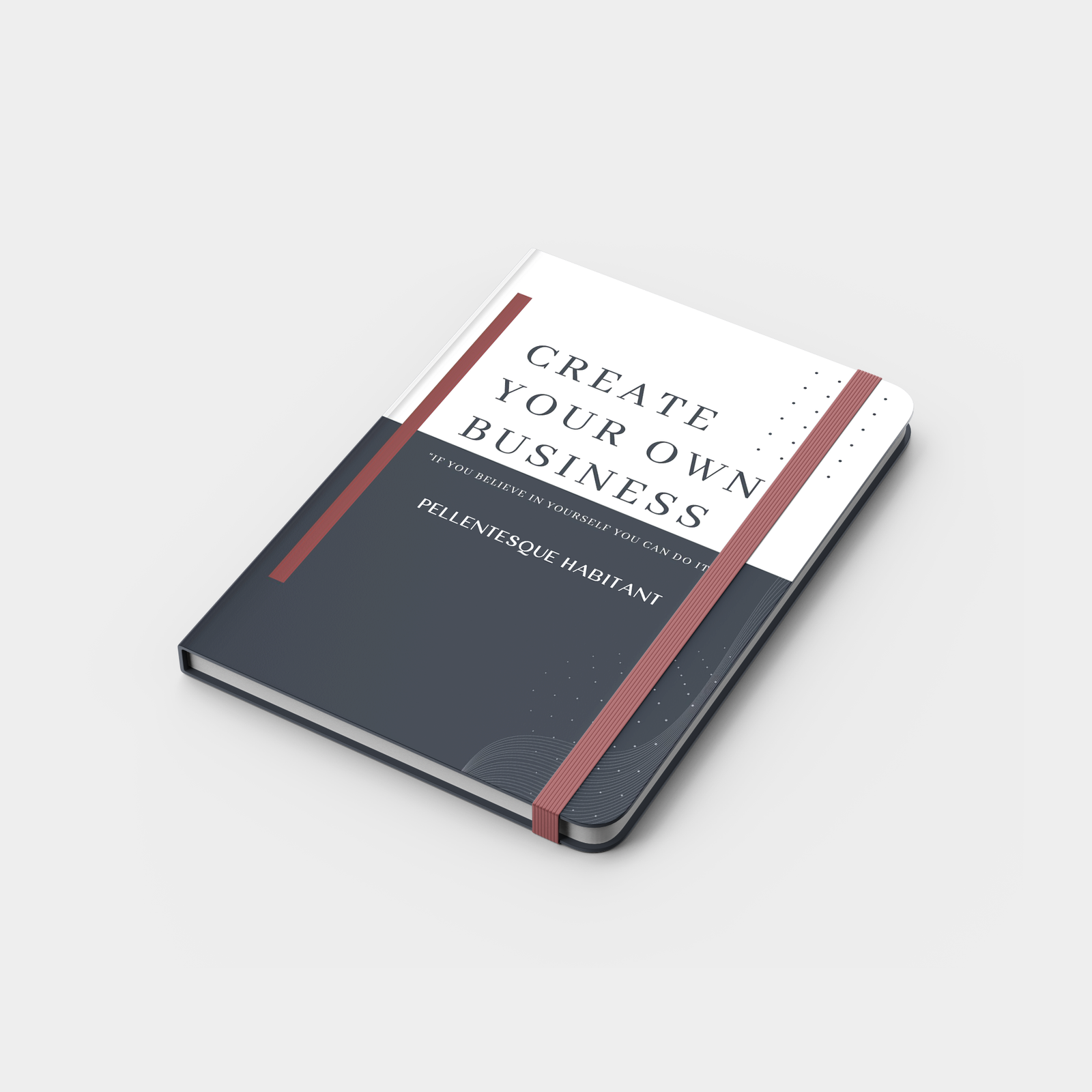
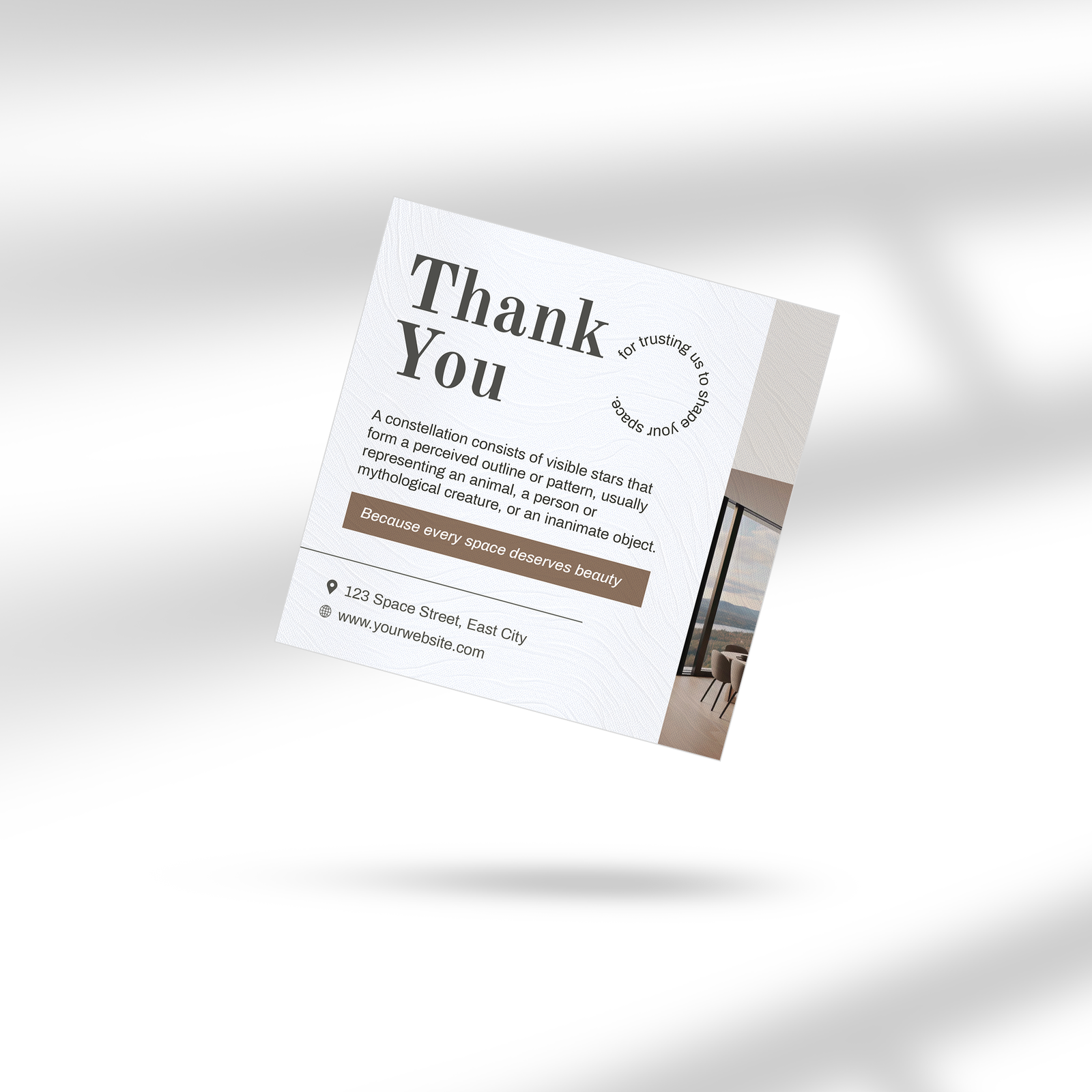
Softcover Planners Book
10 cards from 420.00
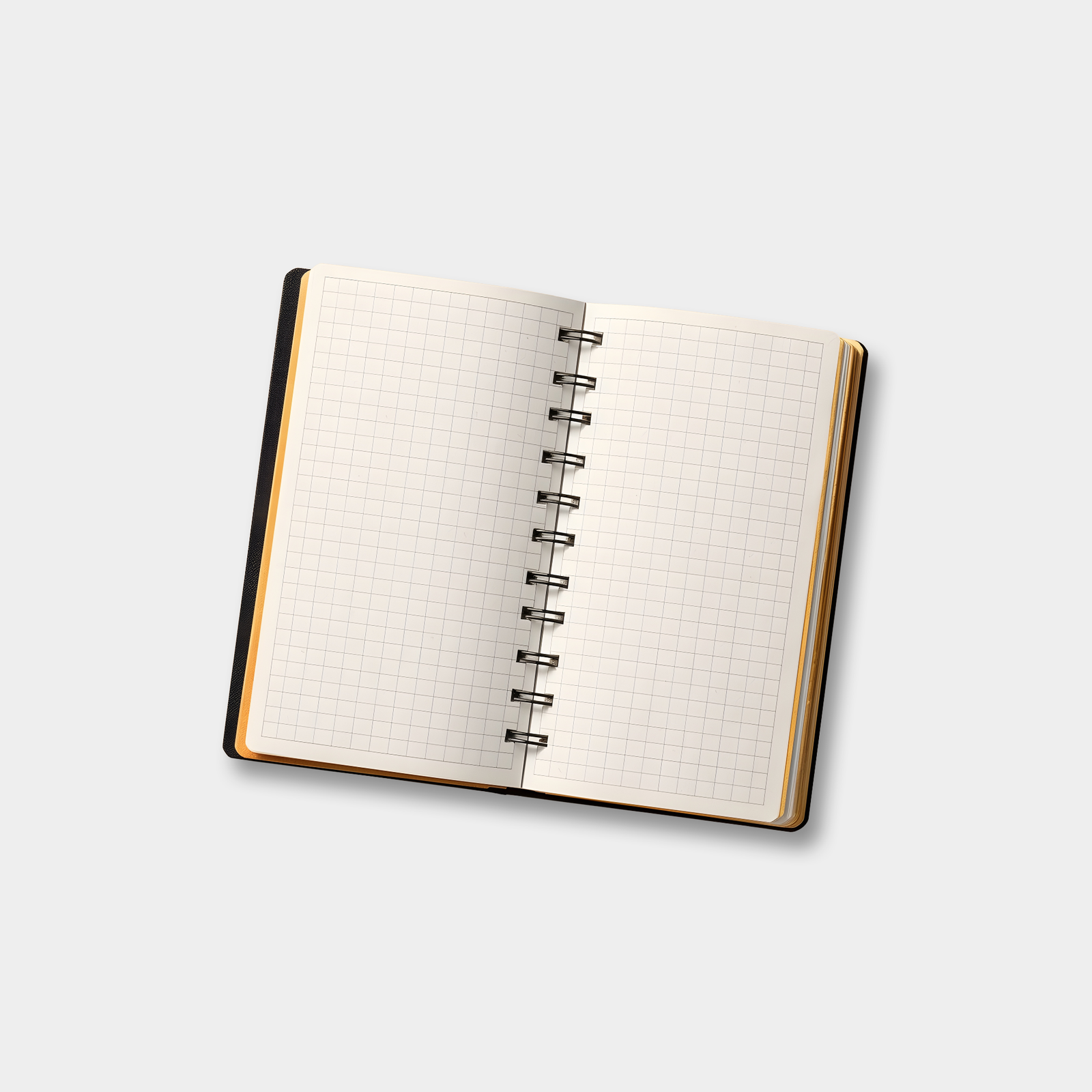
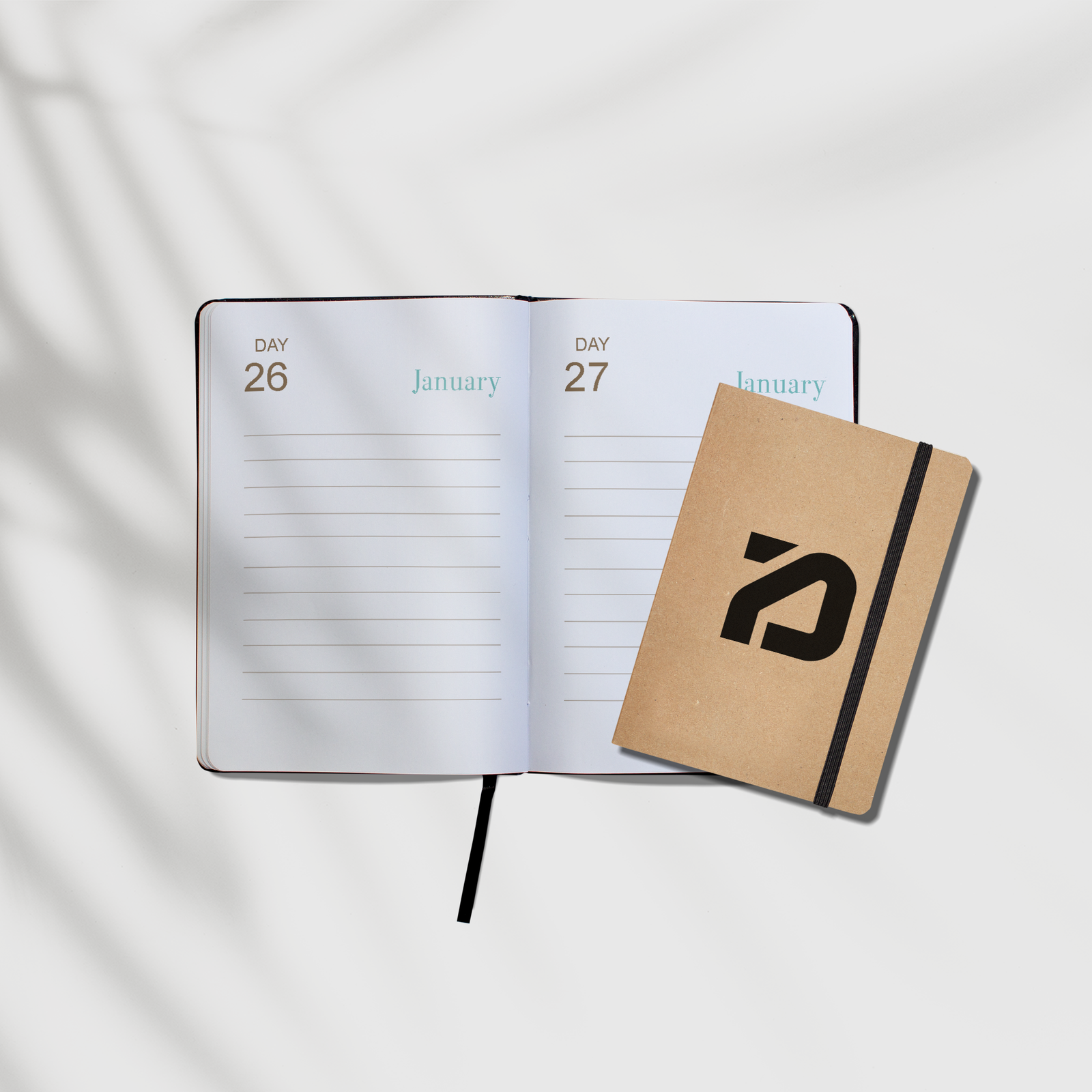
Plan big with the seriously spacious Softcover Planner. It’s dateless, so you’ll never waste a page, and its premium faux-leather cover is beautifully tactile. It’s a mindful, planet-friendly way to get things done.
Buy 2 designs, save 10%. Buy 3 designs, save 15%. Buy 4 (or more) designs, save 20% with code BUNDLE.
- Large (8.3x11.7”) pages
- Dateless layout 112 pages
- Ecorel cover, made from over 50 percent post-consumer waste.
Choose your Special Finish

Gold Foil

Silver Foil
Choose your Color
Black
Blue
Choose your quantity
| Quantity | Price per card | Pack price |
|---|---|---|
| 10 | ₹42.00 | ₹420.00 |
| 25 | ₹37.00 | ₹925.00 |
| 50 | ₹32.00 | ₹1600.00 |
For more pricing info, see our Shipping and Cost Calculator.

Print a different design on every card, for FREE.
Take your brand to the next level
Get design support & exclusive discounts, perfect for those big Business Card orders. From just $99 a year, email support@mypaperprint.com or call +1 (555) 123-4567 to get started.
Summary
| Special Finish | - |
| Color | - |
| Quantity | 200 |
| Price Per Item | ₹20 |
| Price | ₹74.00 ₹88.00 |
Softcover Planners Book Design Guidelines
- Standard Size
- Rectangle Size
- Square
Tab 1
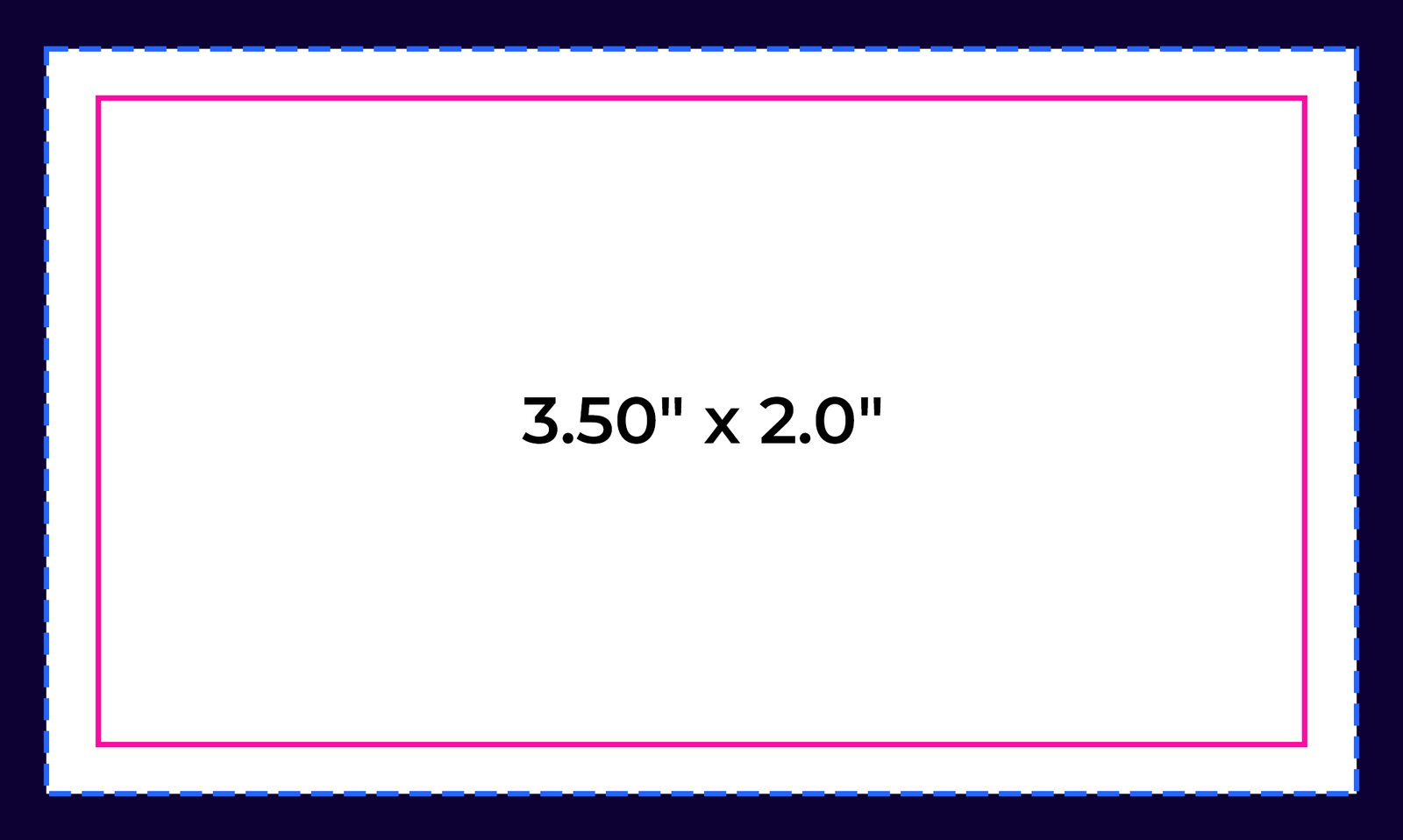

Bleed Area: 3.66" x 2.16"
Make sure that your background extends to fill the bleed to avoid your Business Cards having white edges when trimmed.
Trim: 3.50" x 2.0"
This is where we aim to cut your cards.
Safe Area: 3.34" x 1.84"
Make sure any important aspects of your design such as text and logos are inside of the safe area, otherwise they may be cut off.
psd
Photoshop
psd
Illustrator
psd
InDesign
psd
Jpeg
Tab 2
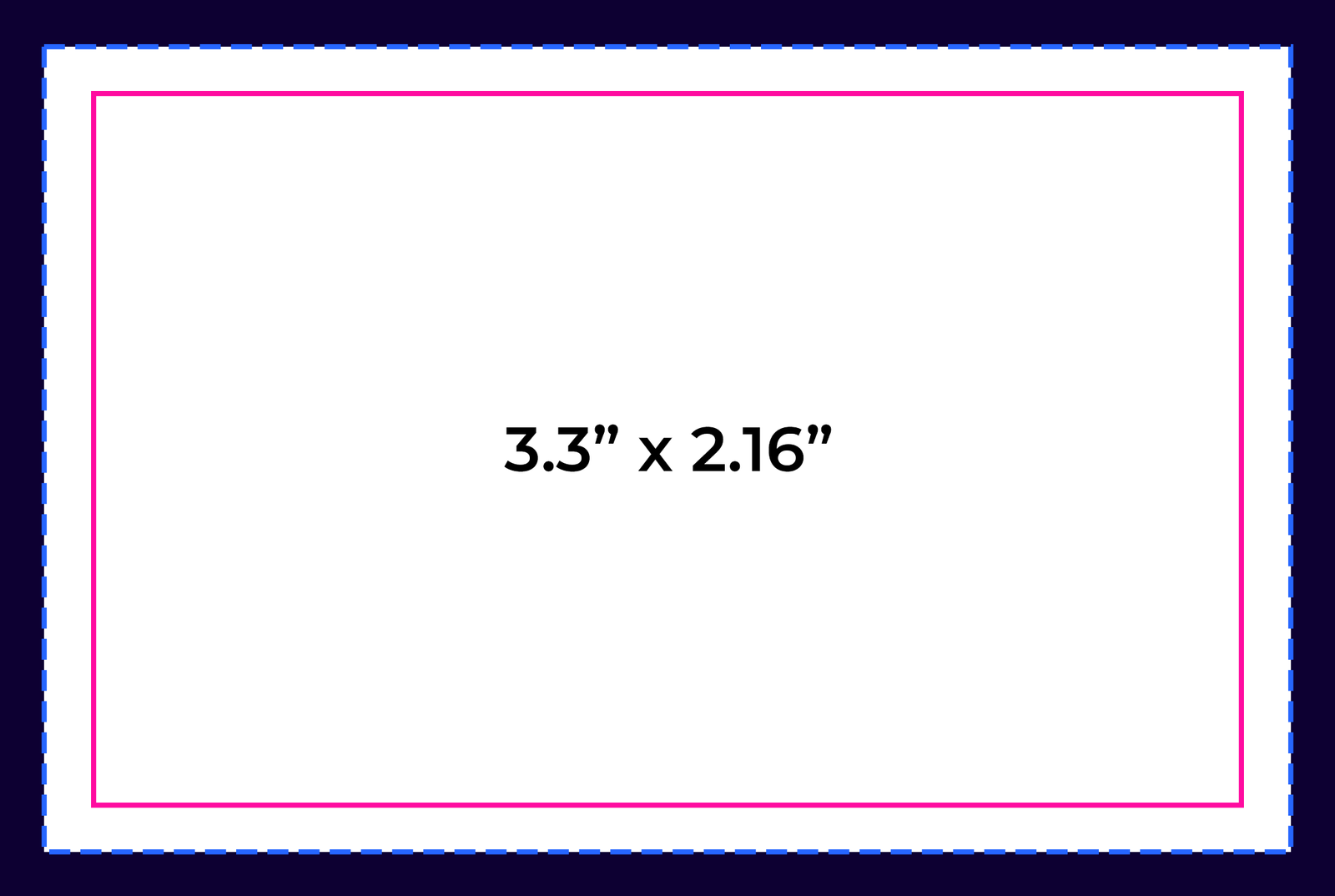
Bleed Area: 3.46” x 2.32”
Make sure that your background extends to fill the bleed to avoid your Business Cards having white edges when trimmed.
Trim: 3.3” x 2.16”
This is where we aim to cut your cards.
Safe Area: 3.14” x 2”
Make sure any important aspects of your design such as text and logos are inside of the safe area, otherwise they may be cut off.
psd
Photoshop
psd
Illustrator
psd
InDesign
psd
Jpeg
Tab 3
.png)
Bleed Area: 2.71" x 2.71"
Make sure that your background extends to fill the bleed to avoid your Business Cards having white edges when trimmed.
Trim: 2.56” x 2.56”
This is where we aim to cut your cards.
Safe Area: 2.4" x 2.4"
Make sure any important aspects of your design such as text and logos are inside of the safe area, otherwise they may be cut off.
psd
Photoshop
psd
Illustrator
psd
InDesign
psd
Jpeg

psd
Photoshop

ai
Illustrator

ind
InDesign

jpg
Jpeg
Popular Products
These are tried and true favorites that will have you set to get down to business.